







Best Survey Data Analysis Software for Research Teams

Unlock insights rapidly with Displayr’s easy-to-use survey analysis tools. Transform raw responses into actionable data in minutes, saving you time and enhancing decision-making with intuitive features designed for both beginners and experts.

Displayr-survey-analysis-happy-client
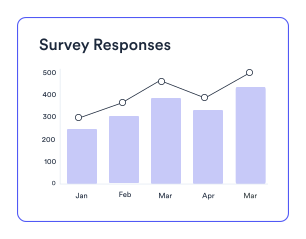
Survey-Responses
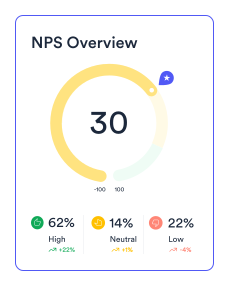
NPS-Overview
Trusted by 2,900+ research teams worldwide

Best Survey Analysis Software for Market Researchers

Survey analysis - It's quick and easy to do the basics

It’s quick and easy to do the basics

Displayr is designed for the person in a rush. Whether you are new to survey analysis, and don’t have the time to learn a complex app, or, are an experience professional in a rush, Displayr’s user experience is optimized so you can quickly and easily do all your standard reporting.

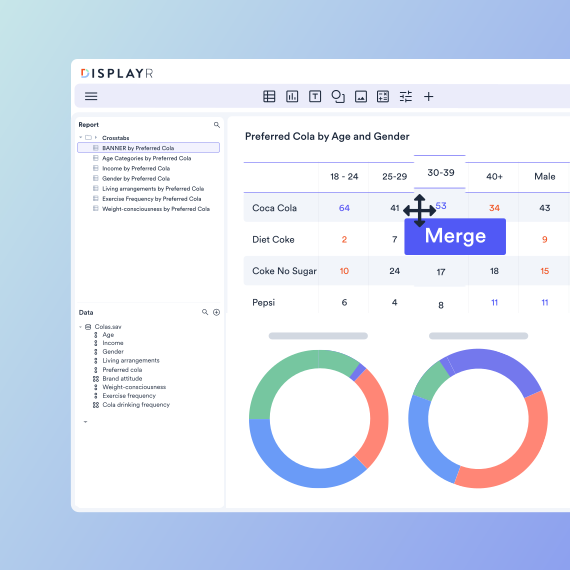
The smarts are built in, so you can focus on working out what the data means

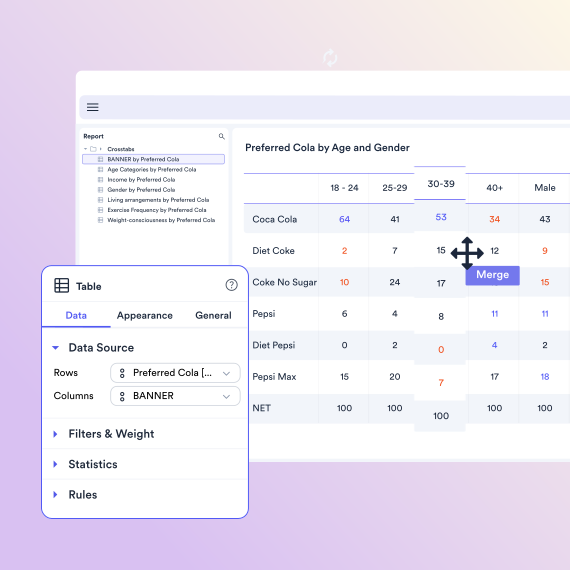
“Out of the box” Displayr will perform appropriate statistical tests, highlighting the key results, as well as using sensible defaults for much more advanced things if you need to do them. There’s no need to buy a textbook to work out which button to click.

Survey analysis - Smarts built in
Survey analysis - Automated updating

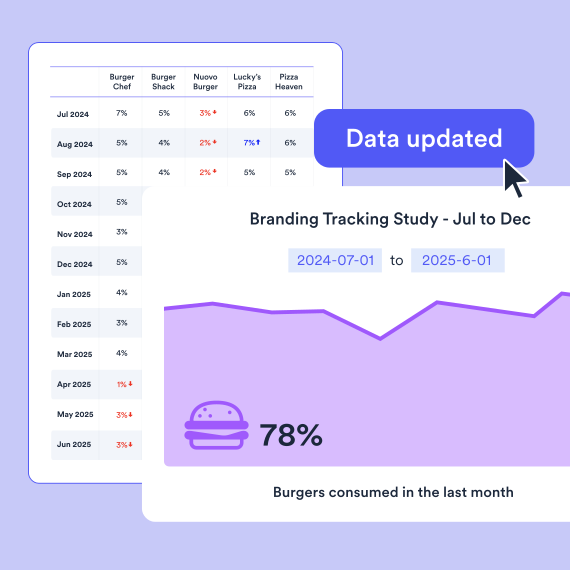
Automatically update your analysis and reports

One of the real “aha” moments our users experience is when they discover they need to update all their analysis and reporting due to a data revision (e.g., some extra interviewing is completed). Unlike other survey data analysis tools, Displayr entirely automates this.

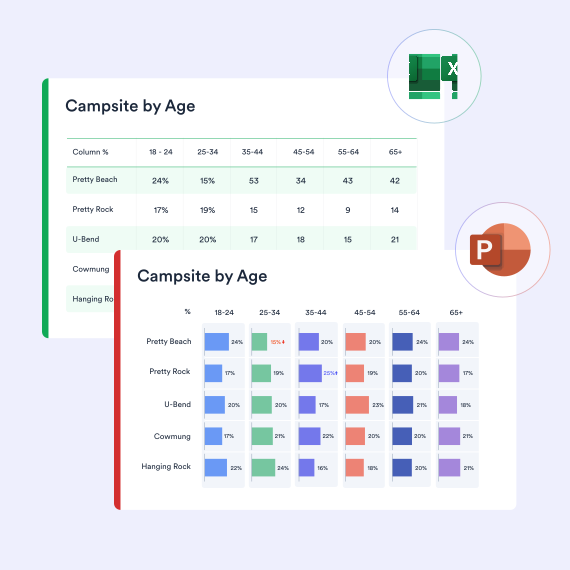
Integrates with Excel and PowerPoint

Any analyses you do can be automatically exported into Excel and PowerPoint. And, you can use Displayr to automatically update PowerPoint reports as well.

Survey analysis - Integrates with Excel and PowerPoint
Survey analysis - No code

Easy to use—no coding needed

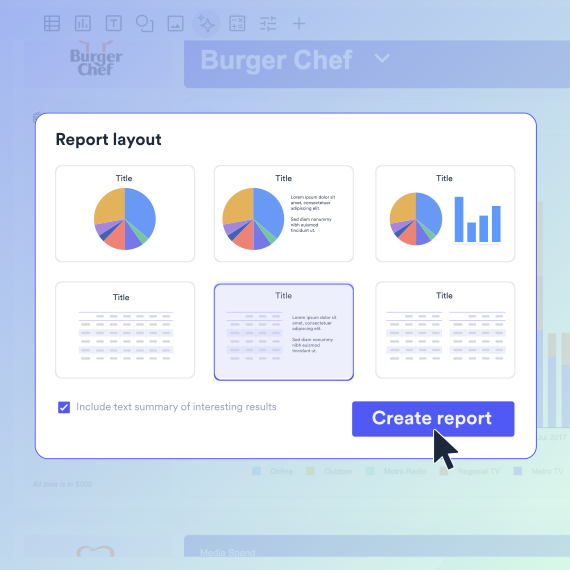
You can do the entire analysis reporting cycle, from cleaning data, creating tables, stat testing, writing reports, building dashboards and exporting to PowerPoint, without writing a single line of code.

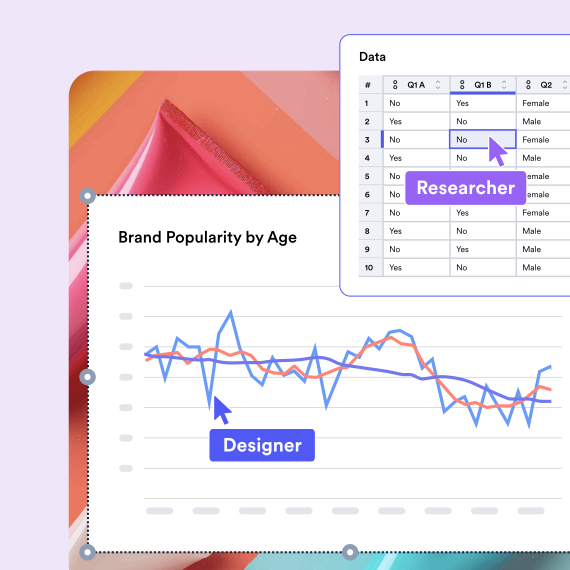
Designed by market researchers for market research

Are you doing your work in a statistics program (e.g., R or SPSS) or a spreadsheet? Displayr’s designed by market researchers for market researchers. You’ll find yourself getting your work done 10 times as fast without all the errors if you use Displayr.

Survey analysis - market researchers for market research
Illustration of Displayr Research Agent

Automated survey analysis with AI

Displayr’s Research Agent lets you analyze survey data like never before. This smart AI agent transforms raw survey responses into rich reports—complete with data analysis, charts and strategic recommendations—in minutes. As an AI market research solution, it doesn’t just speed up your workflow—it automatically runs crosstabs, top-2-boxes, and highlights key insights – leaving you with more time to focus immediately on strategic decisions.

Displayr has the whole suite of tools and research techniques that you could ever want to use. A one-stop-shop for analysis, reporting, and output.
Michael Alborough
Michael Alborough

Founder, MAC Research

10x faster survey analysis

Displayr works with all types of data

All types of data

SQL, databases, Excel, CSV, text, SPSS, survey platforms, APIs, integrations, & more.

Displayr support all types of analysis

All types of analysis

Summary tables, crosstabs, pivot tables, regression,
text analysis, segmentation, machine learning, & more.
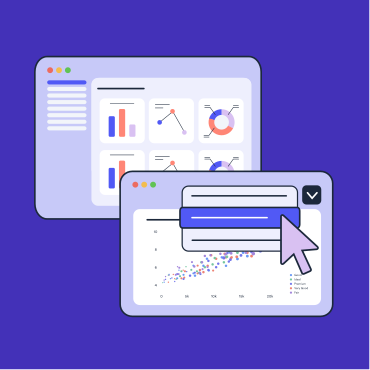
Illustration for displayr all types of reporting

All types of reporting

Data visualization, interactive data apps, dashboards, presentations, PowerPoint, Excel, PDF, web pages, & more.

Integrated AI

Integrated AI

Displayr’s Research Agents integrate AI across your full workflow, from data cleaning to analysis to reporting.


Case Study - MAC RESEARCH

Global Market Research Agency

Displayr helps MAC Research cut reporting and analysis time by 2/3rds

Challenges

  • Standard survey tools lacking advanced dashboard capabilities
  • Searching for cutting-edge dashboard and reporting technology

Solutions

  • Dashboard solution that automates manual processes
  • All-in-one software designed by market researchers

Results

  • Cut reporting and analysis time by 2/3rds
  • 5x business growth in two years

“Life without Displayr would be like going back to the dark ages. 
I don't even want to imagine it.”
Michael Alborough
Michael Alborough
Founder, MAC Research

See why people love Displayr

Explore survey data analysis by topic

Survey data analysis spans everything from preparing raw data to coding open-ends and sharing results. Here’s where to go deeper on each:

Survey analytics FAQs

What is survey analysis?

Survey analysis is all about interpreting survey data to find actionable insights and the story in the data. This usually involves lots of ‘grunt work’. Survey analysis can be broken down into eight different stages. Those are:

  • Getting the right type of data file
  • Cleaning and tidying by variable set
  • Weighting
  • Filtering
  • Planned analyses
  • Crosstabs
  • Stat testing
  • Finding the story

Displayr provides automation tools at each of these different stages, allowing users to dramatically cut down the time they spend analyzing surveys.

The key to analyzing survey data effectively lies in the final stage of analysis – finding the story. To easily find the best story in your survey data, remember to:

  1. Clean the data to remove errors and inconsistencies, then be sure to take out data that is not interesting.
  2. Structure the information so that the most important information is at the very beginning.
  3. Ensure all of the patterns that you uncover in your analysis are clearly communicated.

There are many different survey analysis tools available today. Selecting the best tool is individual and depends on your specific skillset, as well as the data you are working with. Some of the top tools for survey data analysis include:

  • Displayr: A comprehensive tool for automating survey reports and analysis, with features including no-code capabilities, DIY dashboarding, and automatic data cleaning
  • Q Research Software: Designed for survey data analysis, it allows for automated statistical testing and advanced analysis with code.
  • R or Python: Although these options do require coding knowledge, they are ideal for advanced statistical analysis and are cost-effective.
  • Excel: A good starting point and useful for basic analysis and visualization.
  • Power BI: Great for creating interactive dashboards.
Automated survey analysis involves using software to streamline and speed up survey data analysis. It dramatically speeds up manual tasks like data cleaning, creating crosstabs, and updating reports, saving time and reducing errors. Automation also ensures consistency and enables real-time insights.

Yes. Provided you have the required technical skills, R is a powerful tool for survey analysis, offering a variety of packages for data manipulation and statistical analysis. You can use R to:

  • Analyze survey data using advanced statistical techniques.
  • Create custom data visualizations for your results.
  • Automate repetitive tasks, such as generating reports.

Advances in AI and Natural Language Processing have drastically improved the analysis of open-ended survey responses. These open-ended responses can be analyzed using:

  • AI text analysis tools: Such as Displayr can automatically categorize text data.
  • Sentiment analysis: Tools can detect positive, negative, or neutral sentiments.
  • Manual coding: Assign codes to categorize themes and patterns within responses

The best survey analysis software depends on how you work, but most teams choose between four options:
Spreadsheets (Excel, Google Sheets) are fine for simple tallies, but crosstabs, significance testing, and weighting quickly become slow and error-prone. Statistical languages (R, SPSS) are powerful and flexible, but require coding or training and don’t produce client-ready reports on their own. General AI tools (ChatGPT) can summarise responses but lack market research methodology — no significance testing, weighting, or reproducible outputs. Purpose-built survey analysis software like Displayr combines all of this in one place: automated data cleaning, crosstabs, significance testing, text analysis of open-ends, and reporting straight to PowerPoint or live dashboards — no coding needed.

For market researchers who need speed and statistical rigour, a purpose-built platform is usually the best fit; for one-off, low-stakes analysis, a spreadsheet may be enough.

For survey work, yes — Displayr is built specifically for it. Excel handles basic tables but struggles with weighting, significance testing, and updating reports when data changes. SPSS is statistically powerful but has a steep learning curve and weak reporting. Displayr does the full cycle — clean, crosstab, stat-test, visualise, and export to PowerPoint — without coding, and re-runs everything automatically when new data arrives.

Your Displayr deep dive starts here

Chat with us