
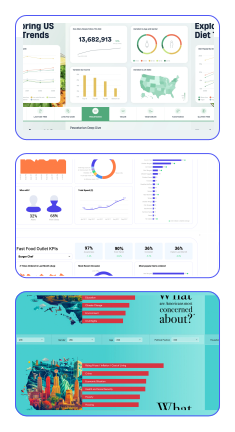






Create beautiful and interactive reports, dashboards, “calculators”, and presentations without any technical expertise in an environment that’s familiar like PowerPoint, but as powerful as any BI tool.
There’s no double handling, no switching between tools, and everything updates when the inputs change. Connect your data from virtually any source (Qualtrics, SPSS, SQL, Excel, Web-scraping).
A dashboard developed for one product or market can be copied, modified and re-used for another – just duplicate and change the source data. Massive time saver!
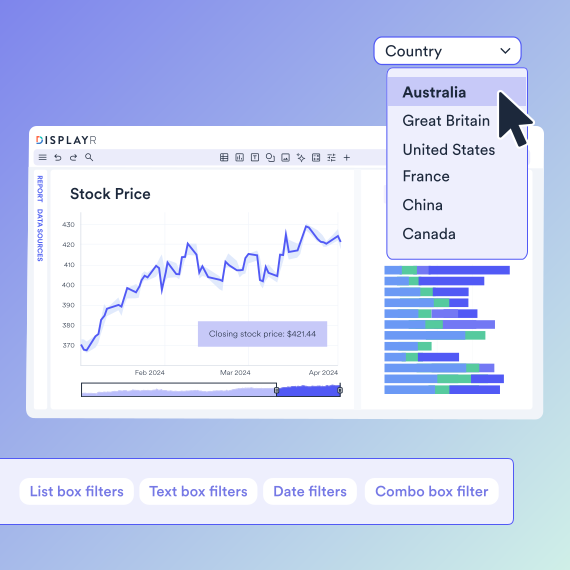
Easily create calculators, dynamic visualizations, and filters for viewers to interact with their dashboards and live reports.
Use ready-made sliders, filters, dropdowns, buttons, and tabs to easily build dashboards. With hundreds of visualizations and reusable templates, you can turn data into insights faster than ever. The options are limitless.
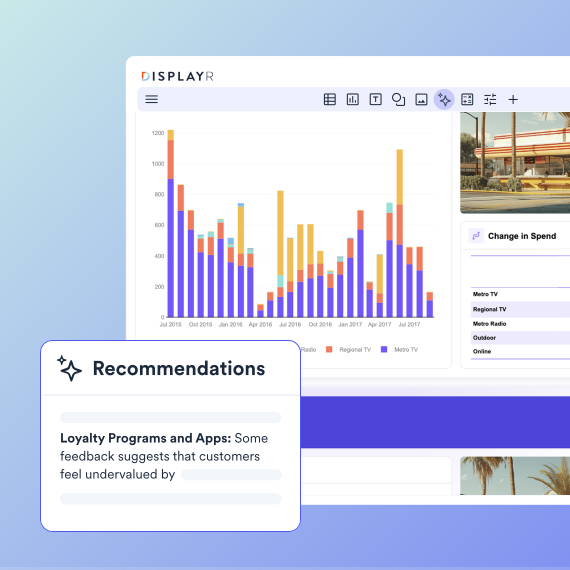
Work fast, error-free, and collaboratively in a secure AI-powered platform.
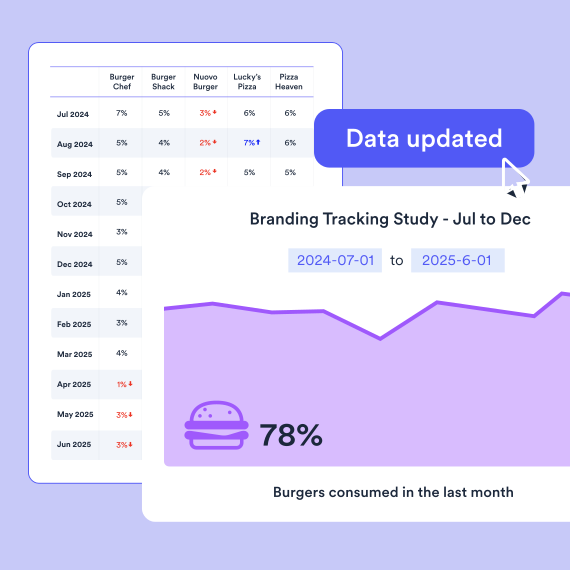
Working with time series data (e.g., tracking)? Just build your dashboard once and when your source data updates, all your analysis, text, and visualizations automatically update as well. Instant and error-free.
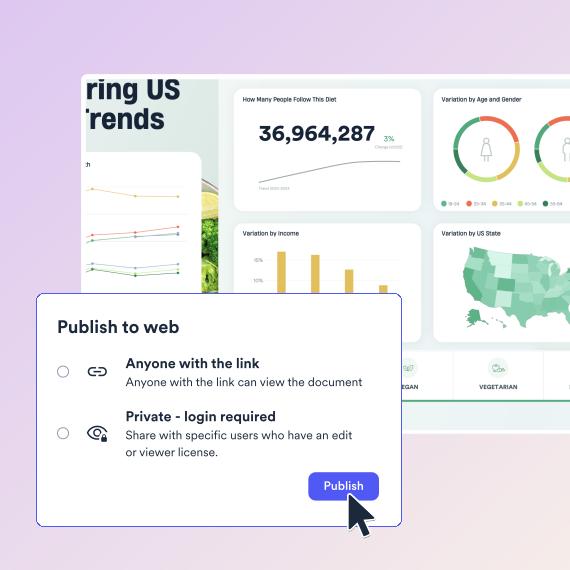
Easily publish and share your dashboards, accessible from any device with a web browser. Secure data handling with user authentication and permissions to protect sensitive information within your dashboards.
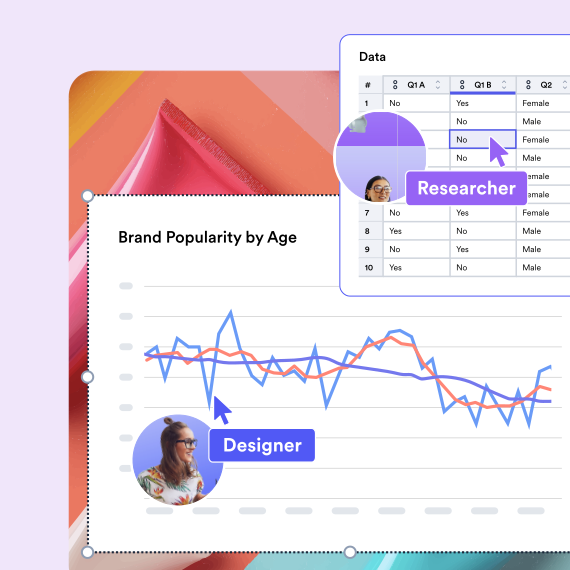
Multiple users can simultaneously build, analyze, design, and edit the same dashboard together in real-time.
Displayr helps you find your data story. It does everything you need for survey analysis, from weighting and stat testing, to text analysis, and machine learning. You can do everything. Really.
Build interactive dashboards faster with Displayr’s Research Agent. Serving as an AI agent for market research, it automatically generates branded, editable, client-ready dashboards that are perfect for when you are dealing with fast-turn deliverables.

Senior Research Analyst, dunnhumby

SQL, databases, Excel, CSV, text, SPSS, survey platforms, APIs, integrations, & more.
Summary tables, crosstabs, pivot tables, regression, text analysis, segmentation, machine learning, & more.
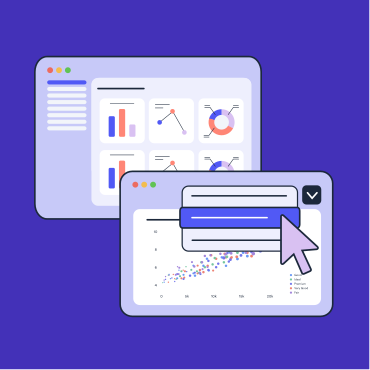
Data visualization, interactive data apps, dashboards, presentations, PowerPoint, Excel, PDF, web pages, & more.

Displayr’s Research Agents integrate AI across your full workflow, from data cleaning to analysis to reporting.
Displayr helps Cygnal cut report creation time in half
Market researchers utilize dashboards to visualize a variety of different data sources. Some common examples include:
To create a live online dashboard, you simply have to connect your dashboard to your data source. Displayr allows you to plug your dashboard into virtually any source (Qualtrics, SPSS, SQL, Excel, web-scraping, and more), meaning your dashboard always reflects accurate data.
Excel dashboards are static and require manual updates, while Displayr allows you to create dynamic, automated dashboards with over a hundred different chart types and real-time updates.
For market researchers, the best dashboard tool is one purpose-built for survey analysis. Displayr is the leading dashboard tool for survey data because it natively supports the analytical techniques researchers use every day—crosstabs, significance testing, MaxDiff, driver analysis, and segmentation—all within interactive dashboards. Unlike generic BI tools, Displayr dashboards are built on live data and update automatically, eliminating manual Excel work.
Yes. Displayr is specifically designed as dashboard software for market researchers. It bridges the gap between analysis and presentation: you can build dashboards directly from your survey data without SQL or coding, use statistical outputs as dashboard elements, and automatically update reports as new data arrives. This makes it ideal for research teams that need professional, dynamic dashboards without technical overhead.
Most dashboard tools are built for finance, sales, or IT teams. Displayr is different—it’s the only dashboard tool built specifically for people doing data analysis. While other tools require you to export data and rebuild visualizations manually, Displayr dashboards stay connected to your source data and update live. It also includes built-in statistical testing, which most dashboard tools lack entirely.
Displayr works as both a professional dashboard tool for individual analysts and an enterprise dashboard solution for research teams. It supports secure team collaboration, role-based access control, scheduled report distribution, and integrations with enterprise data sources. Large research departments can standardize on Displayr as their dashboarding platform while maintaining flexibility for individual analysts to customize reports.