Search Examples
Categories

AI-powered market research dashboard templates & examples

Frequently Asked Questions

Can I use these dashboards as templates for my own data?

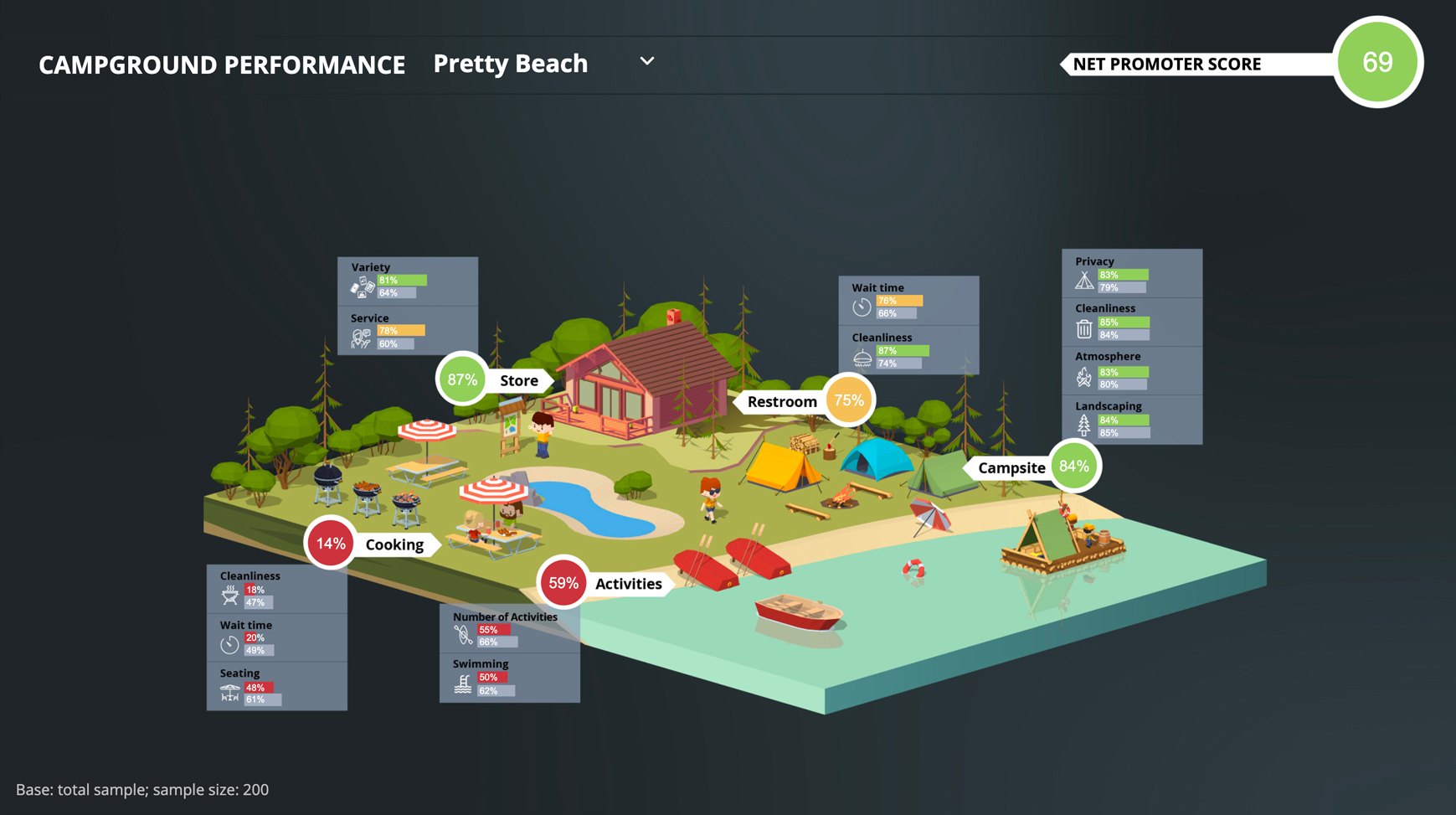
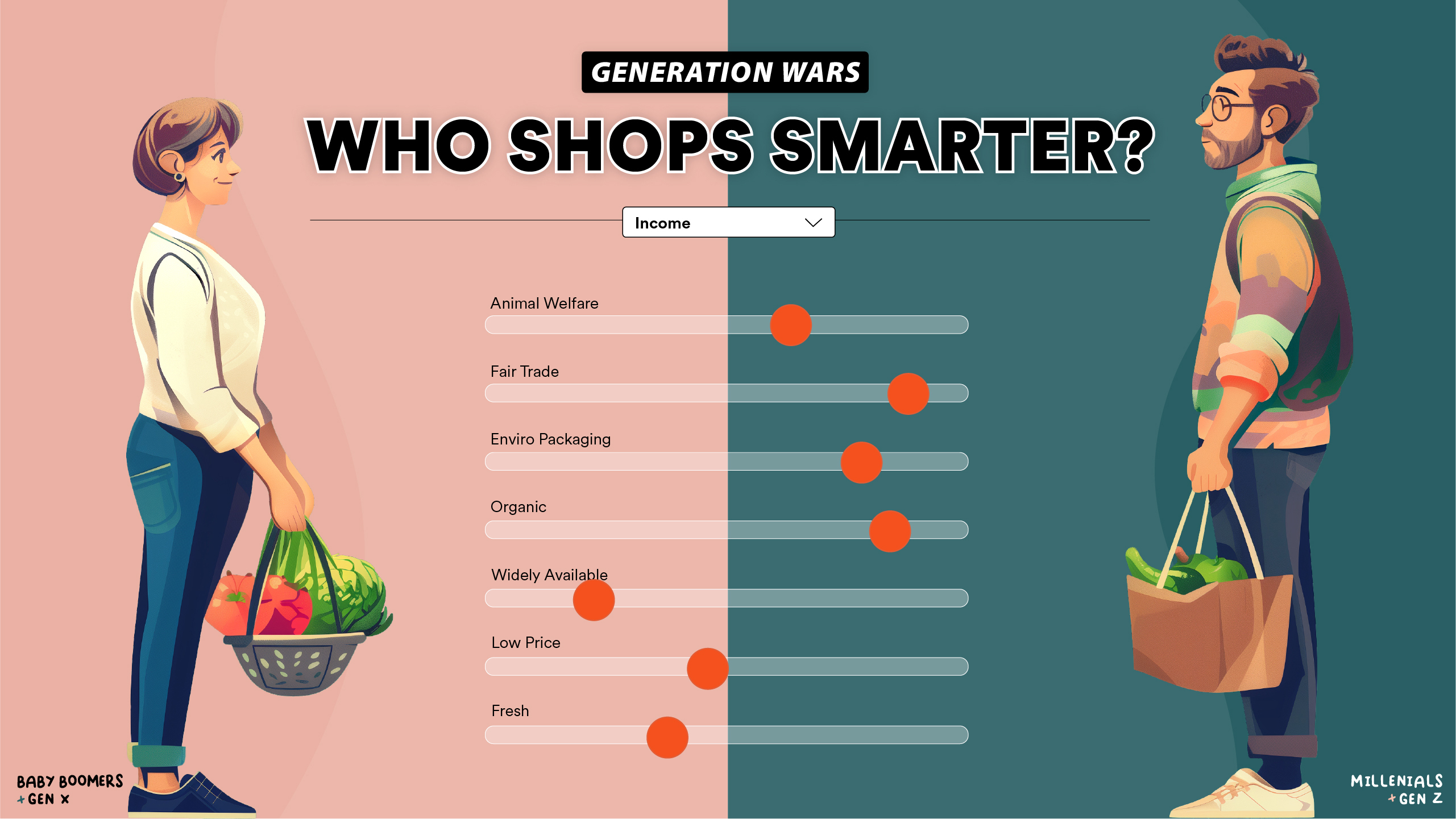
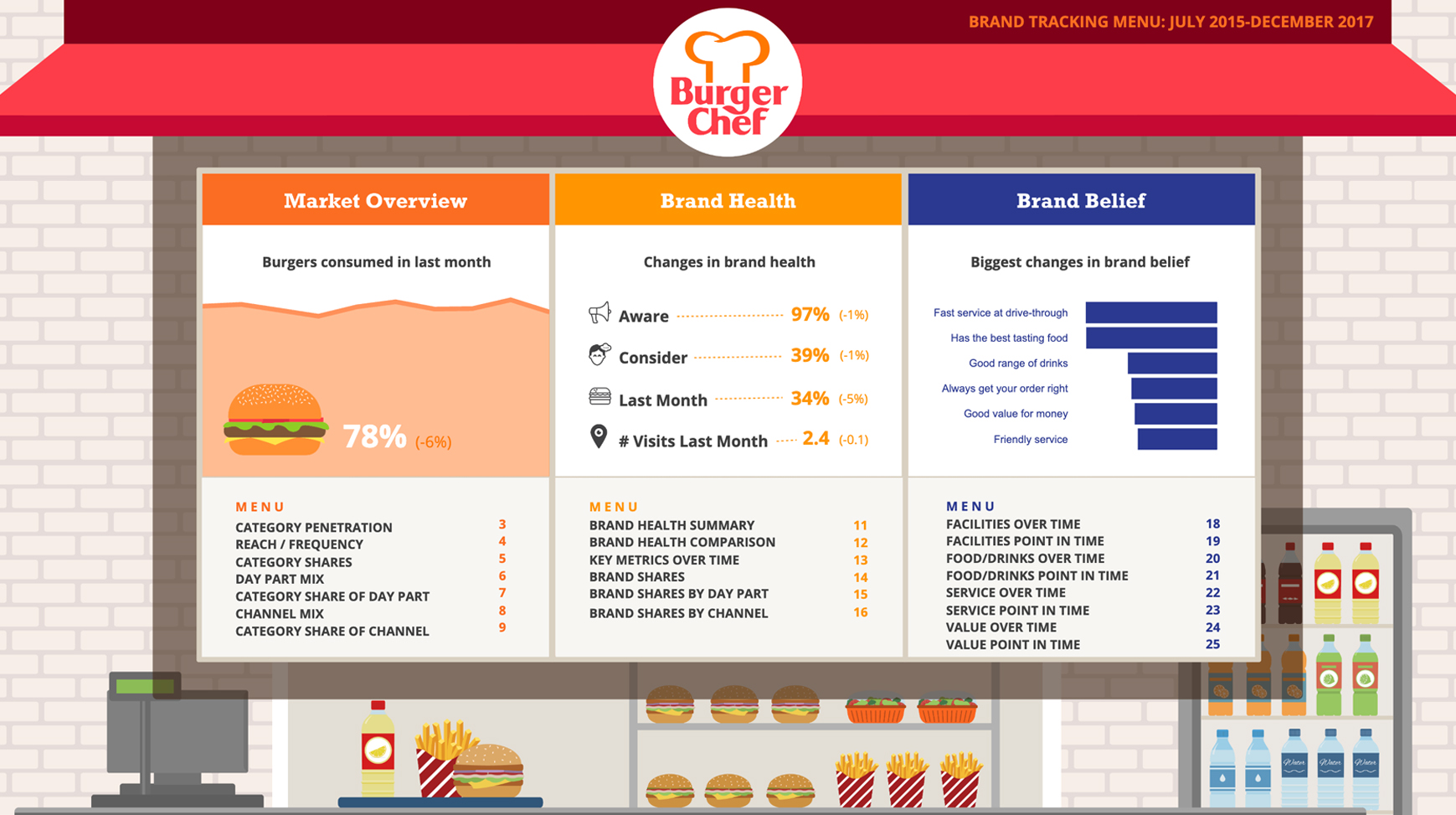
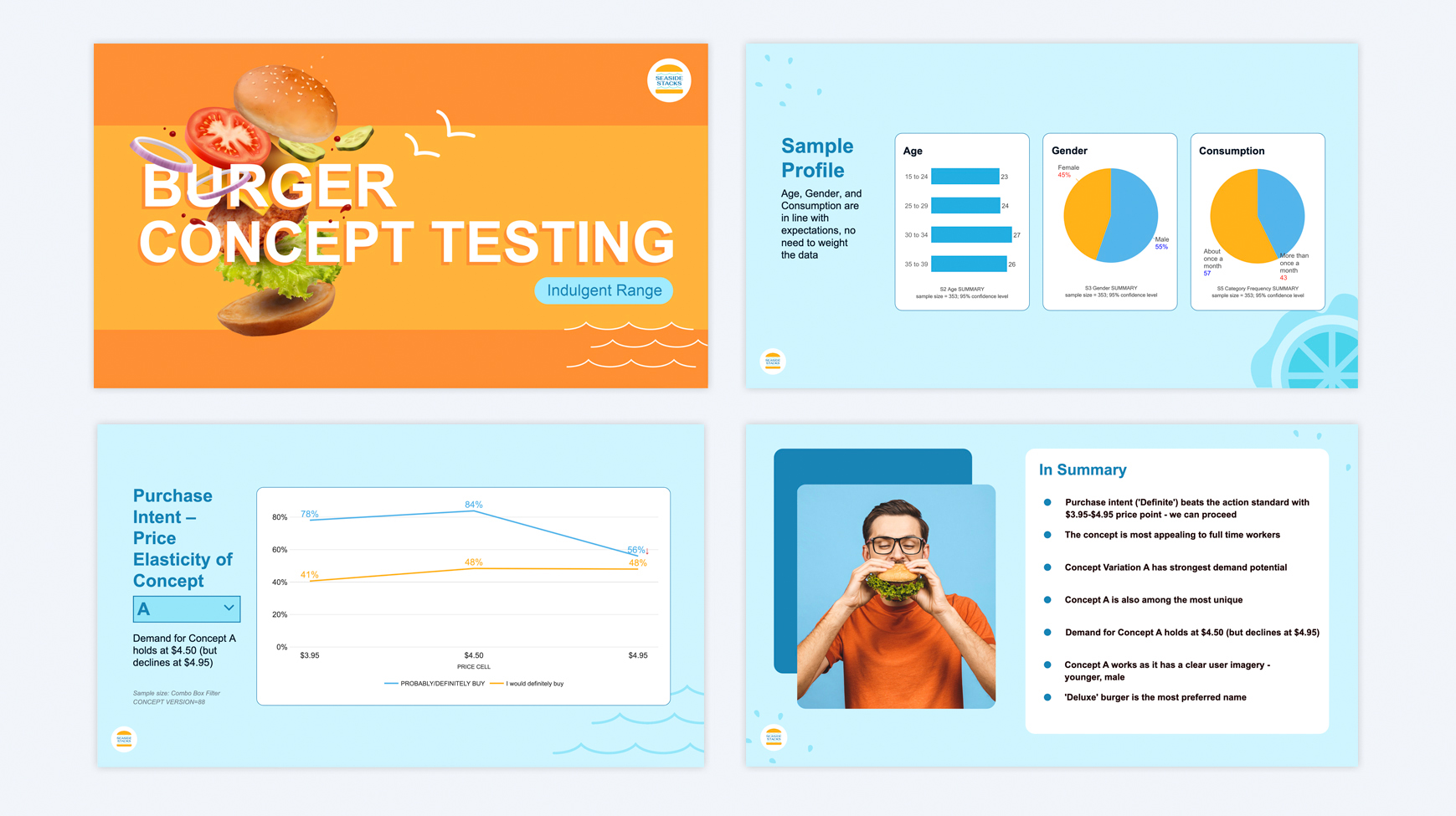
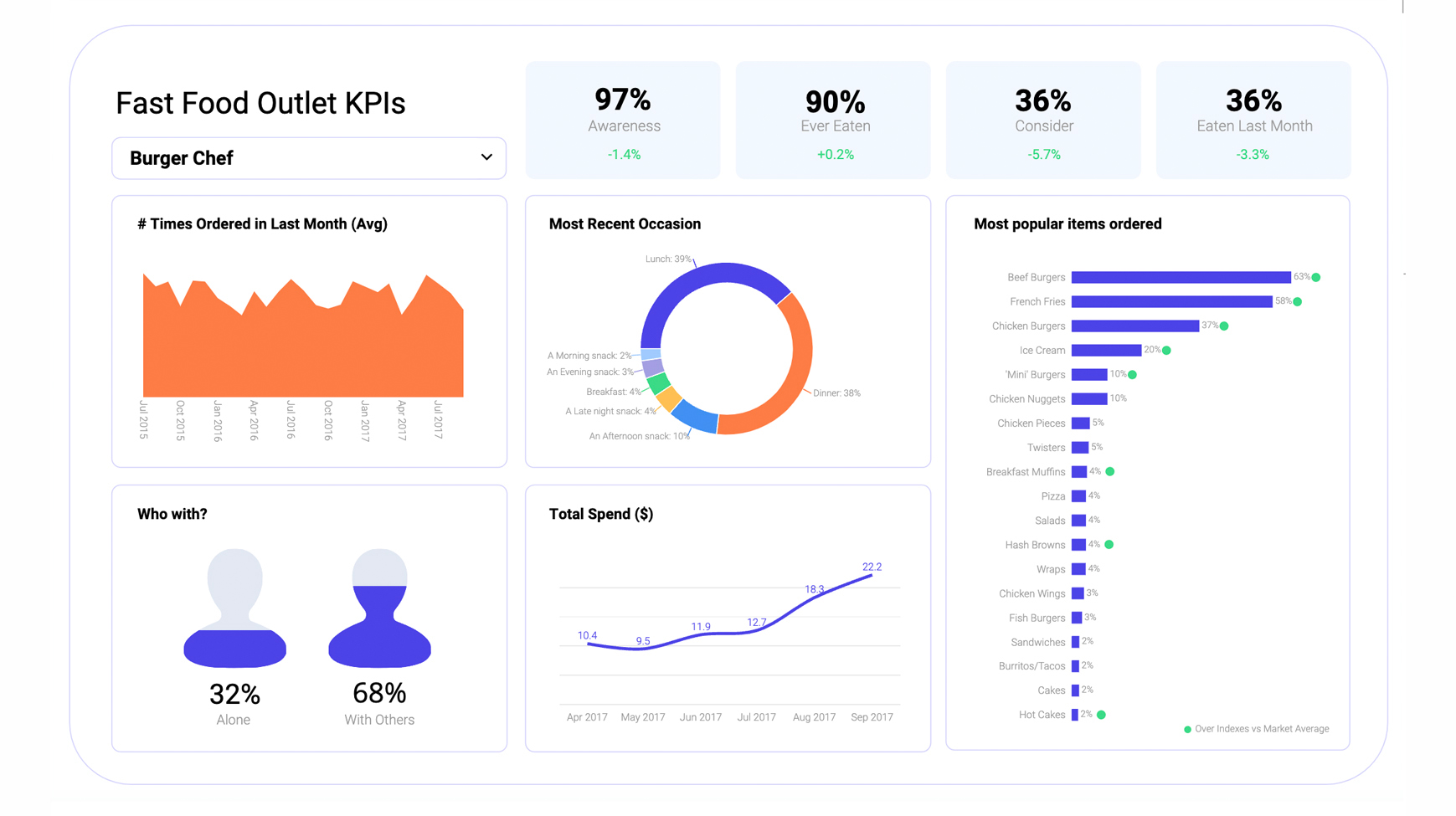
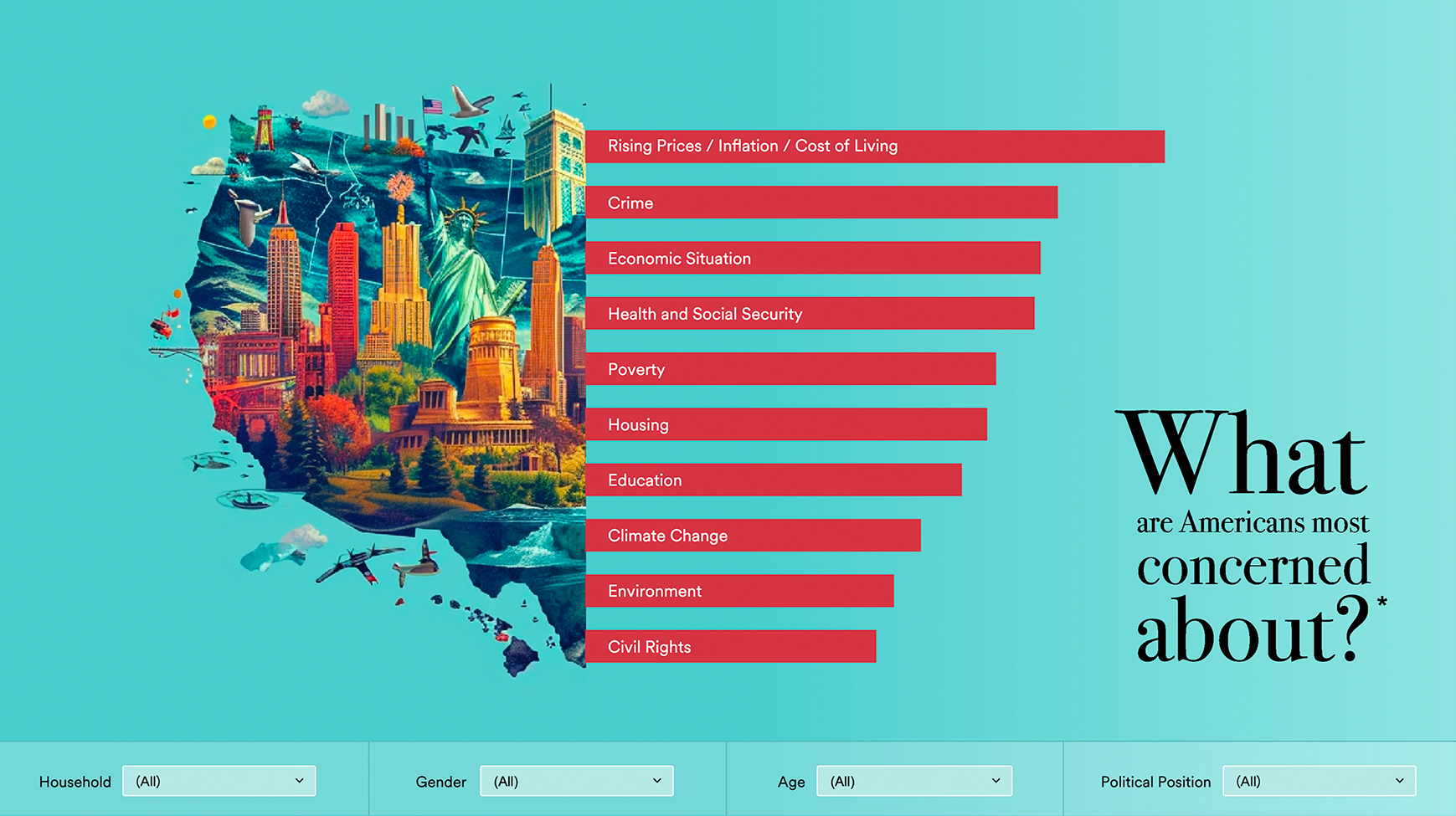
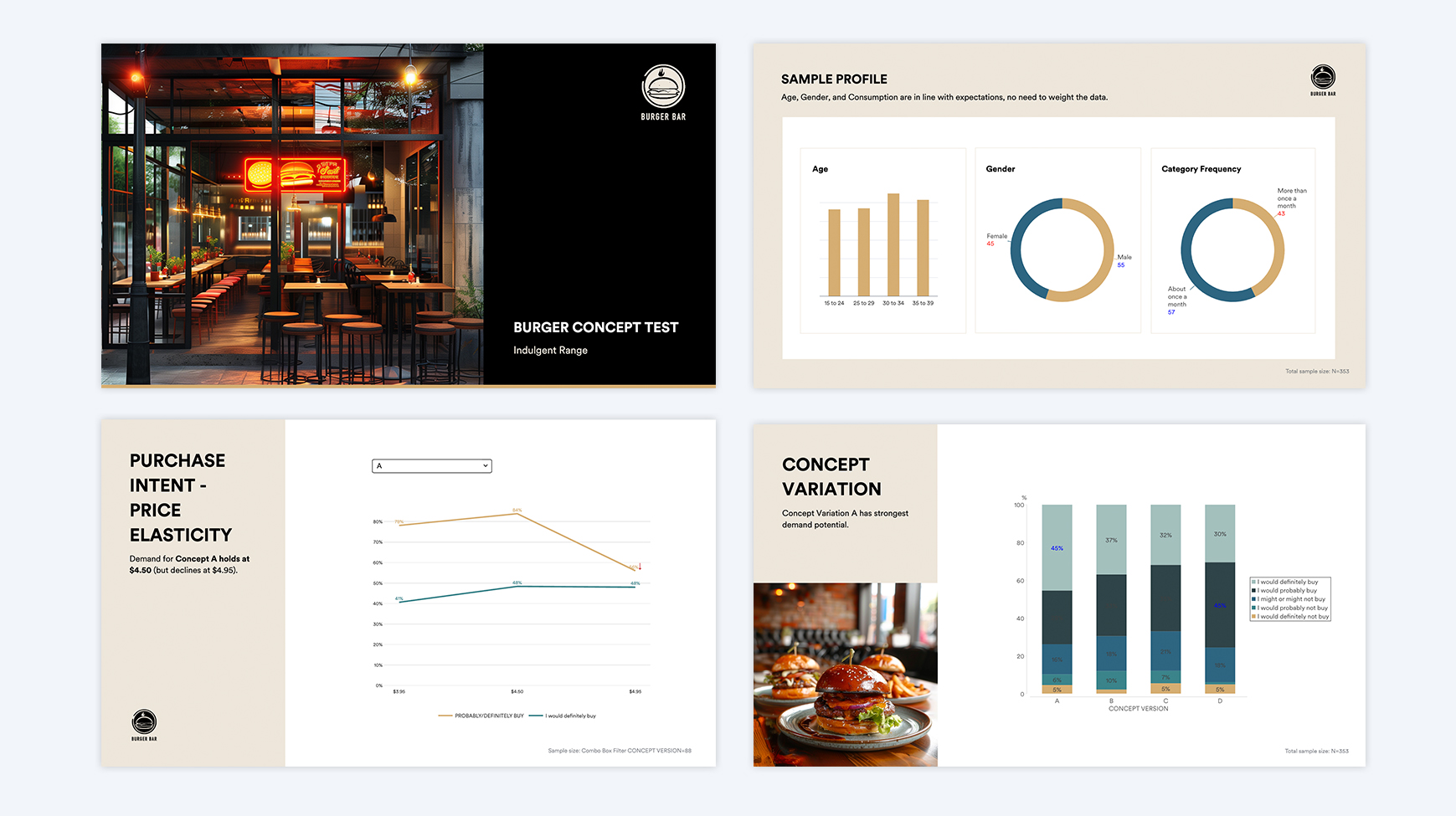
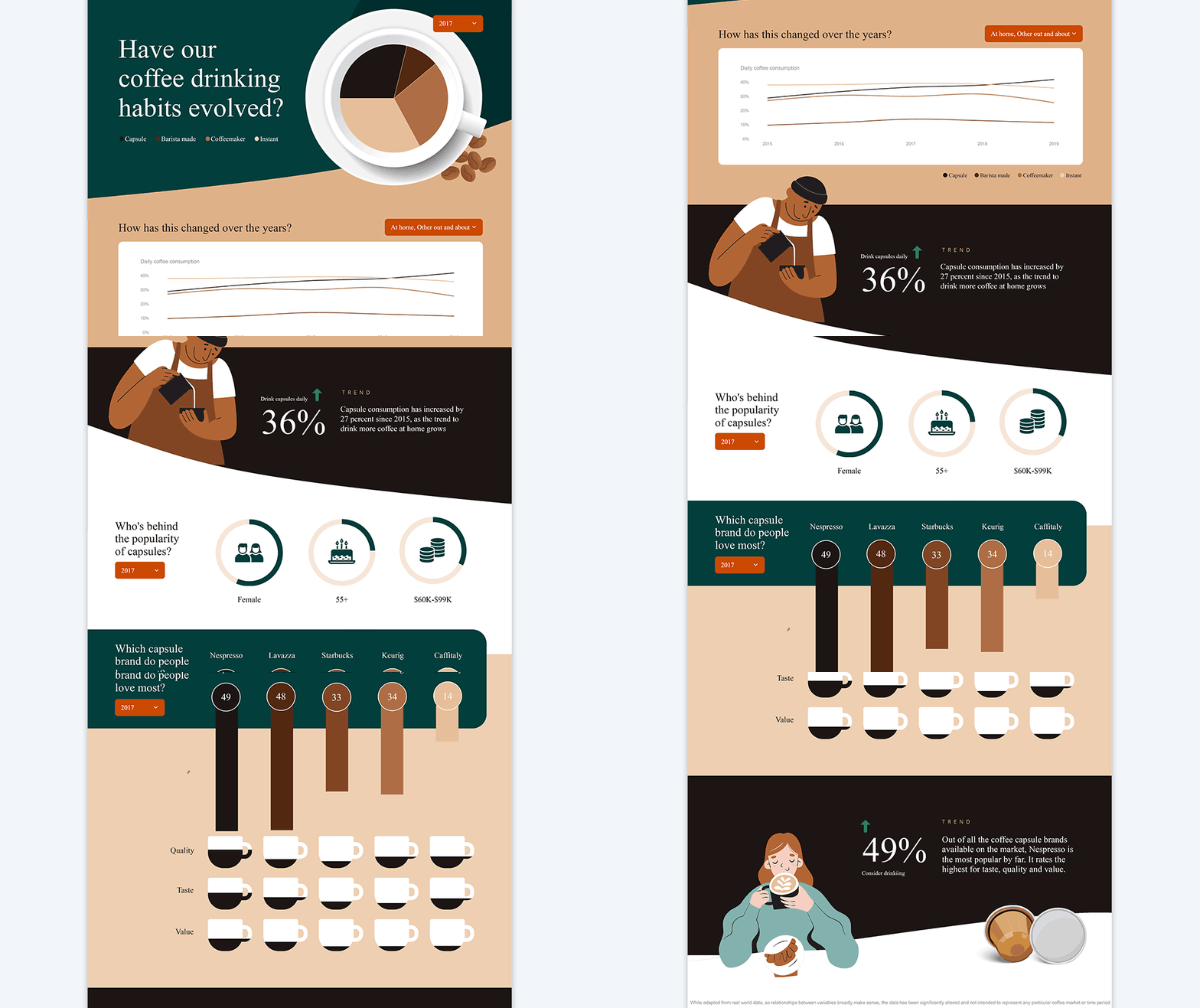
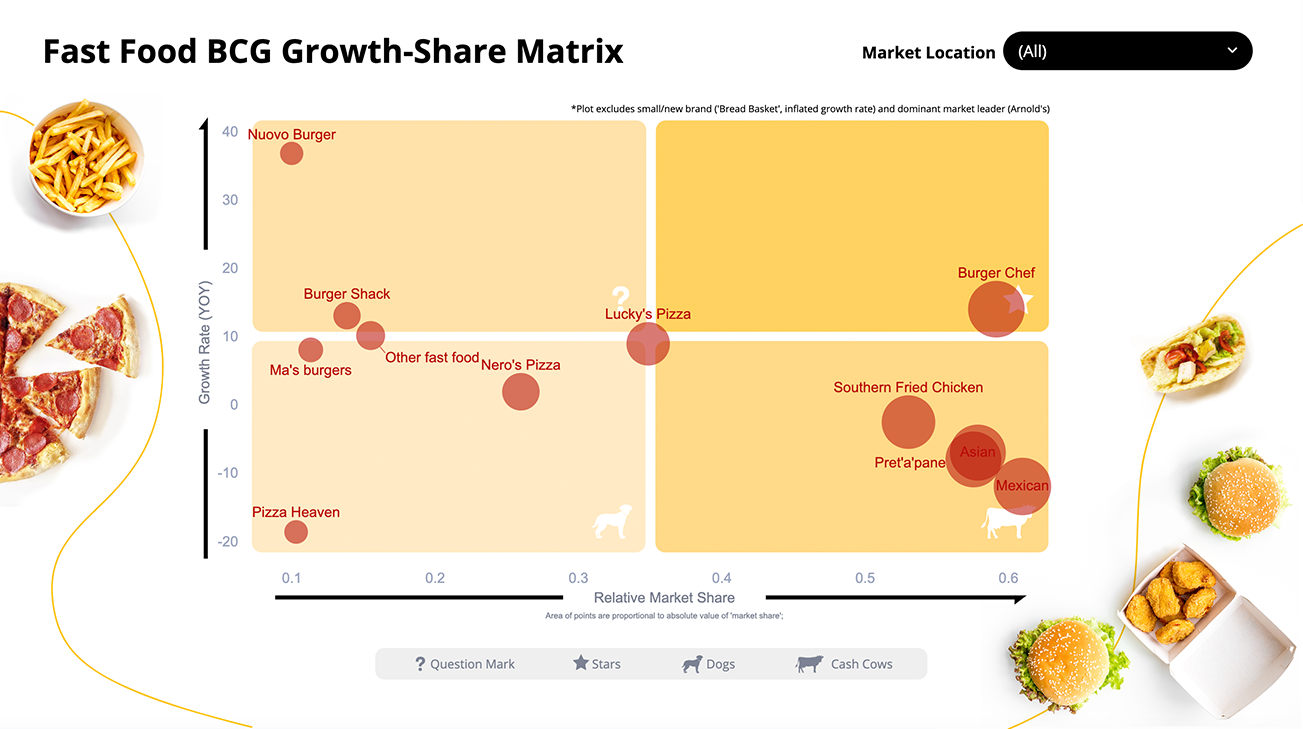
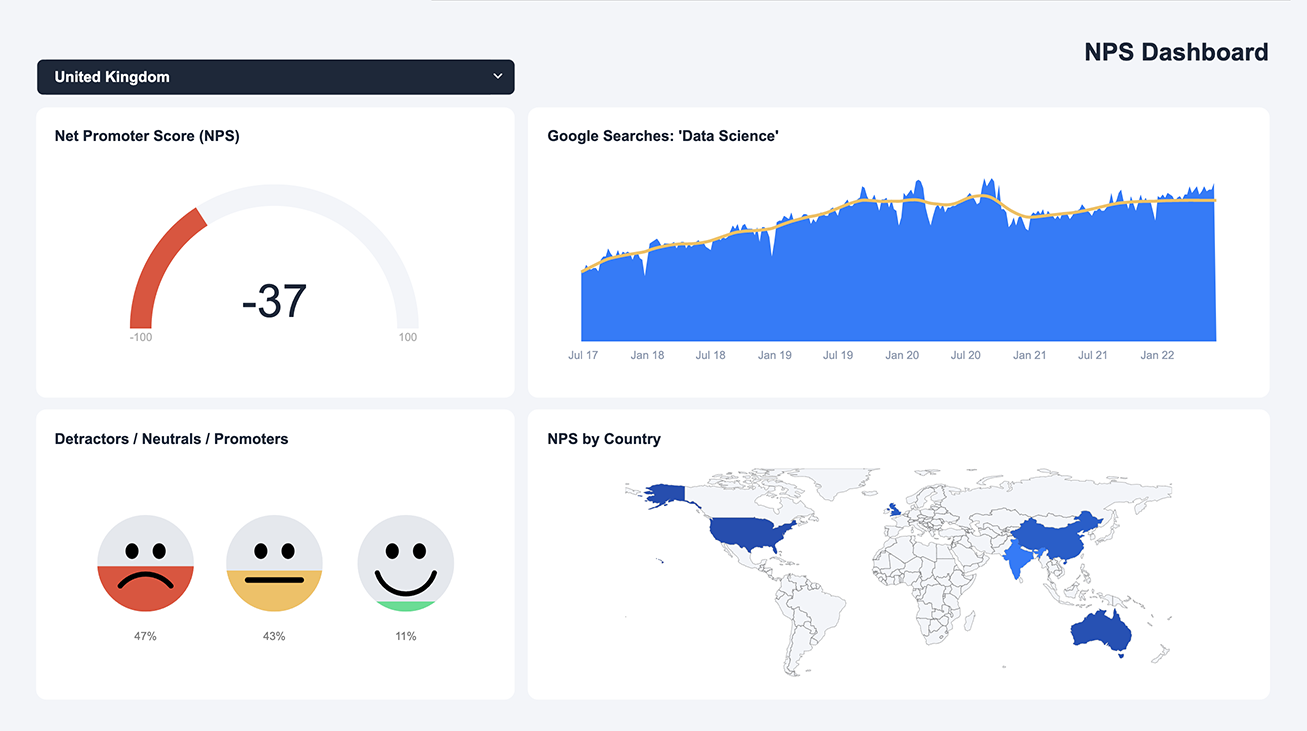
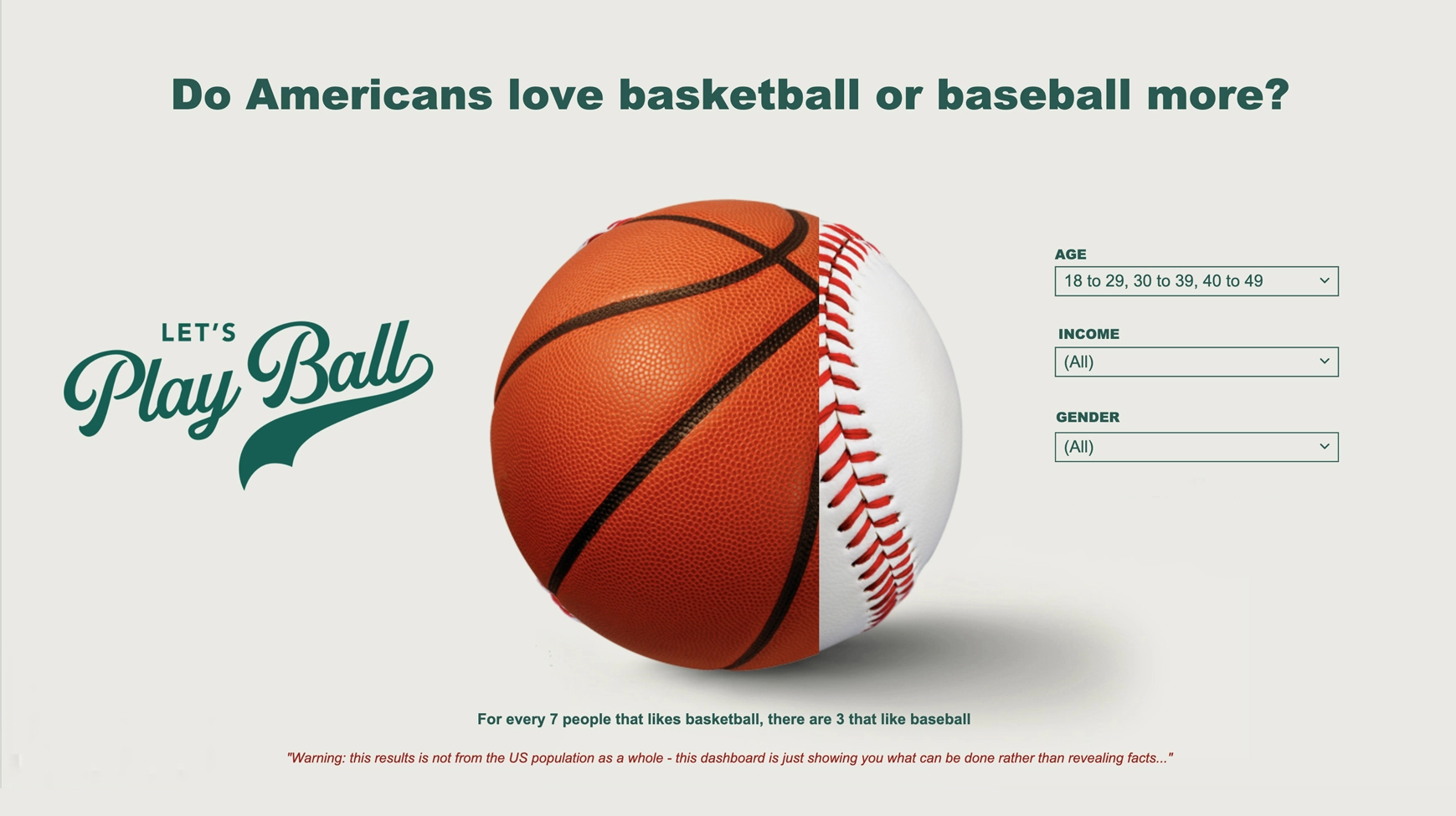
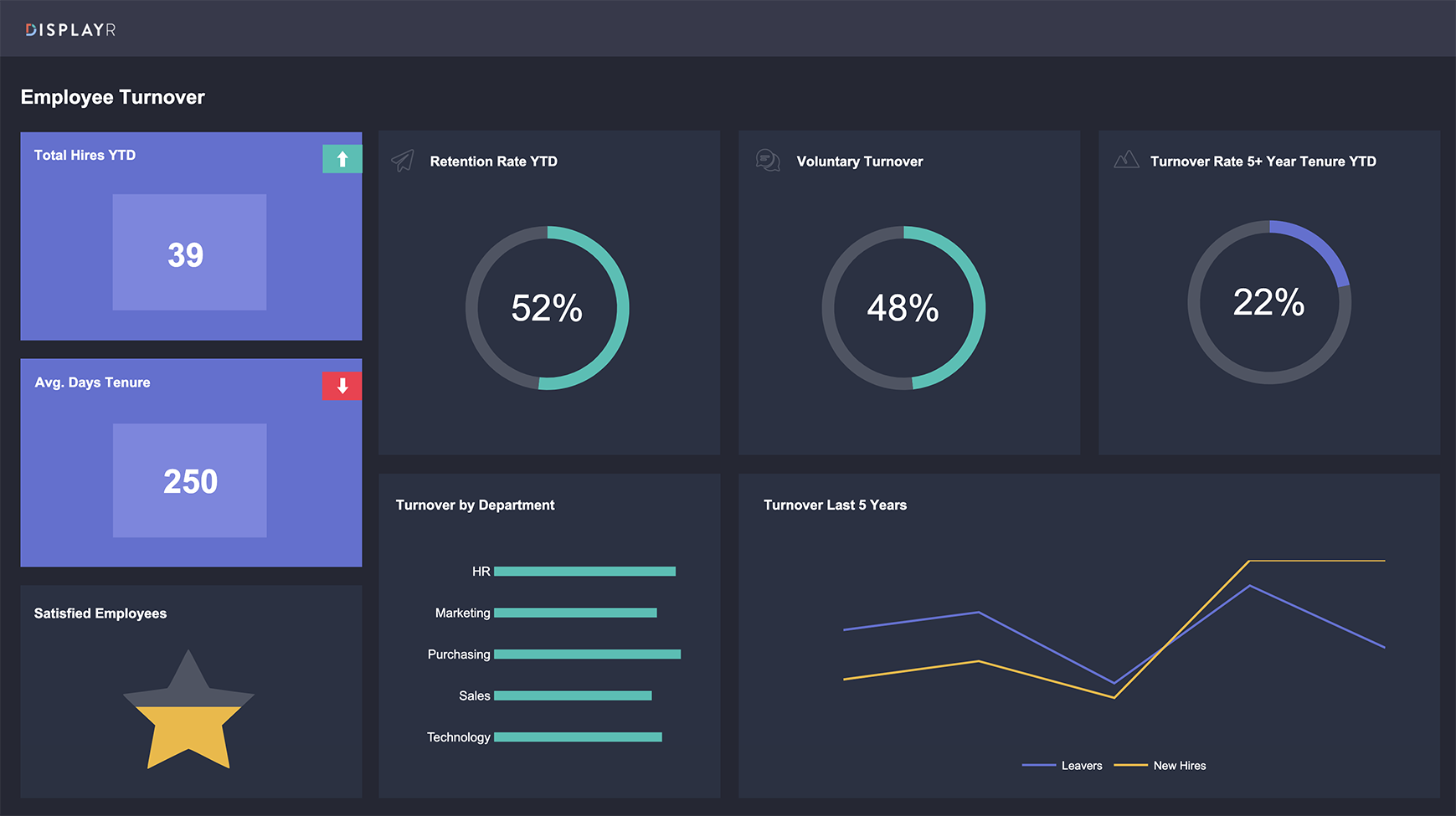
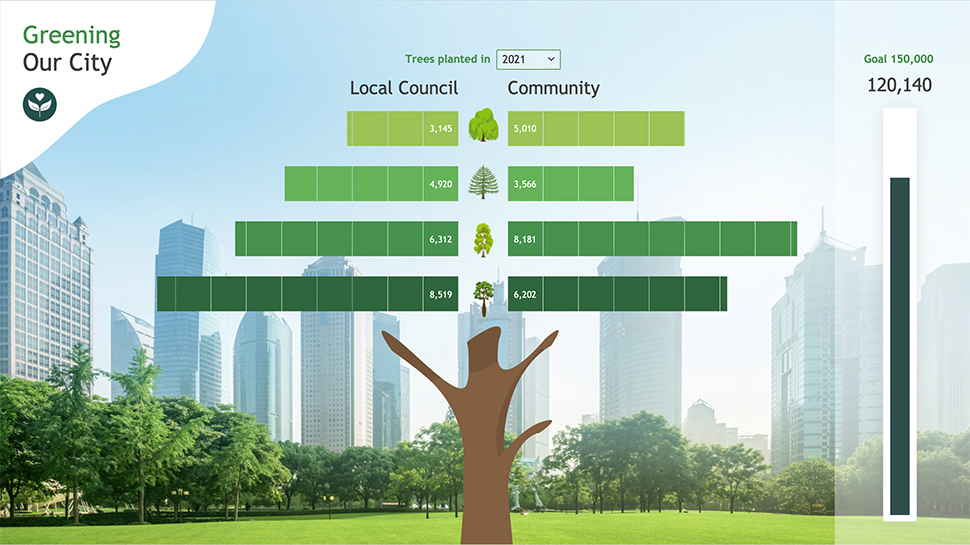
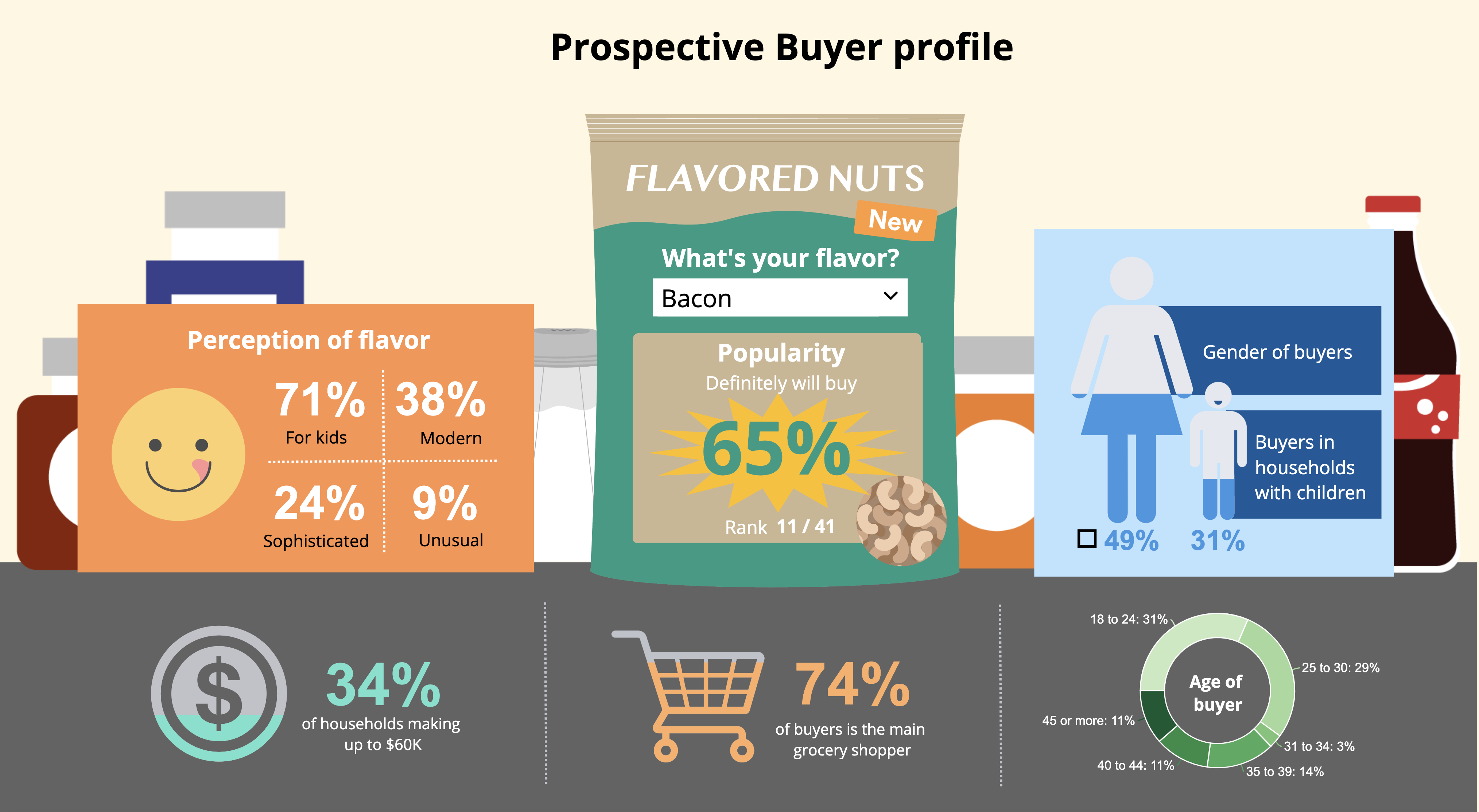
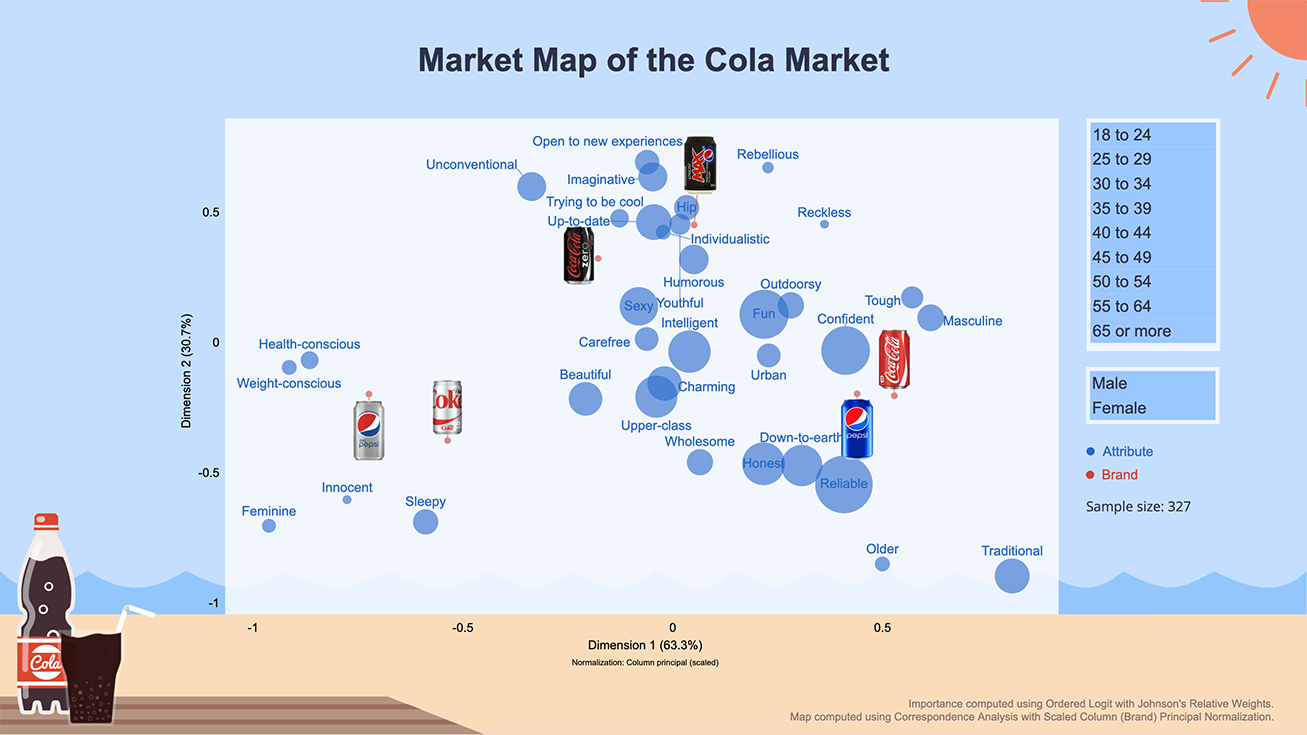
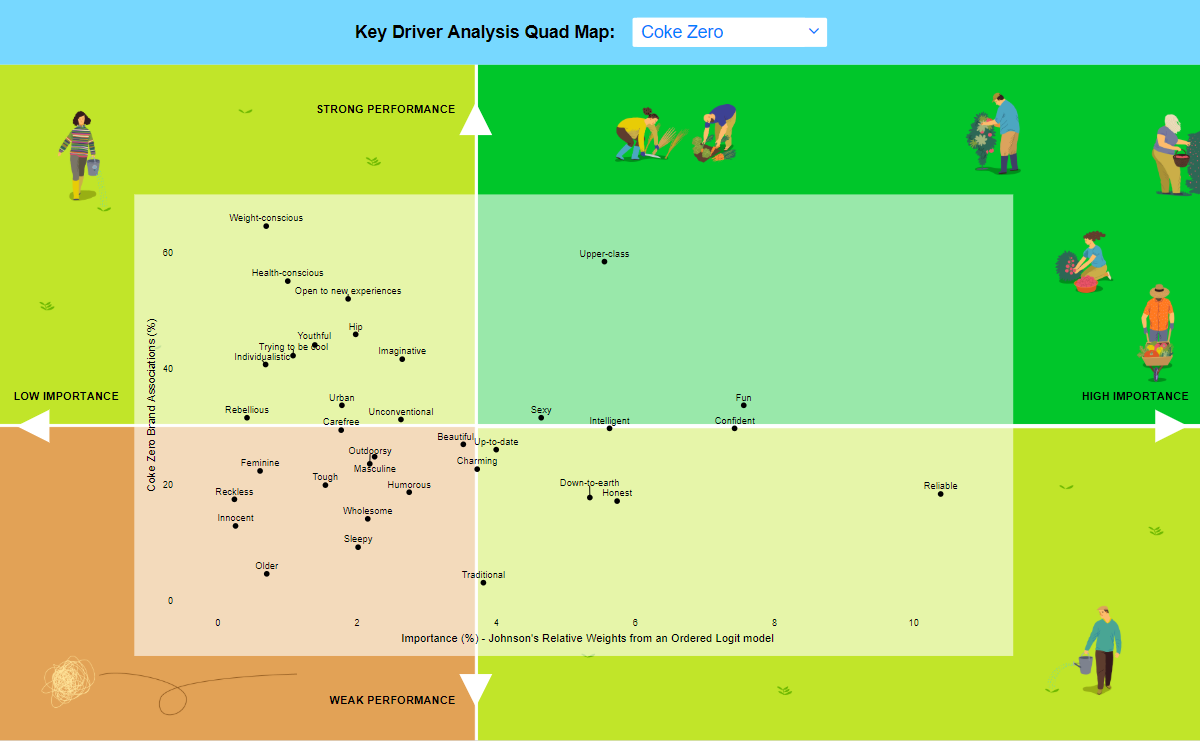
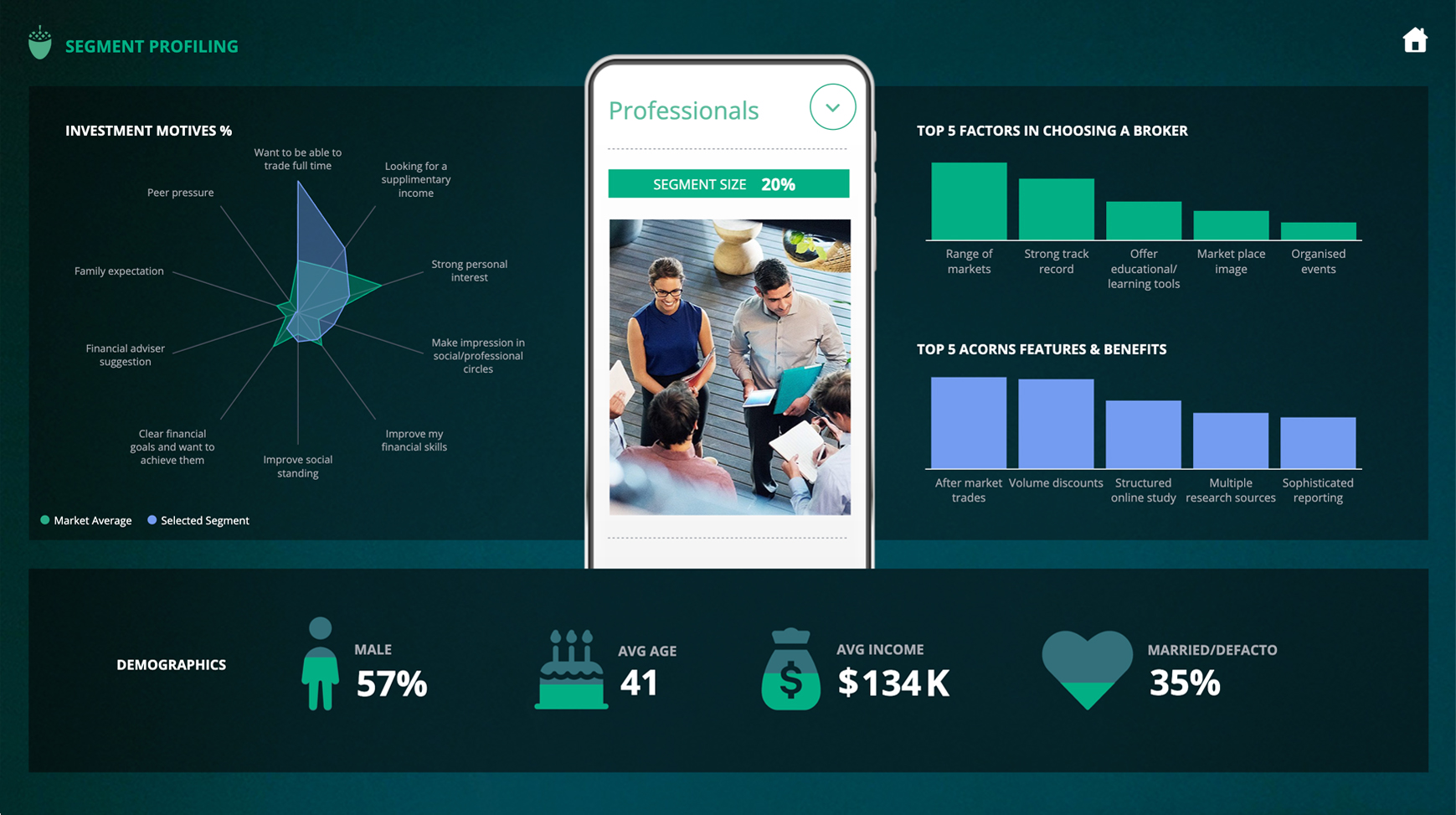
Yes. Every example here is a live Displayr document, so you can simply connect your own survey data, and the layout, charts and filters will come with it – so you start from a finished dashboard rather than a blank page. Use these templates as inspiration for the auto-updating reports and dashboards that you can create with Displayr.


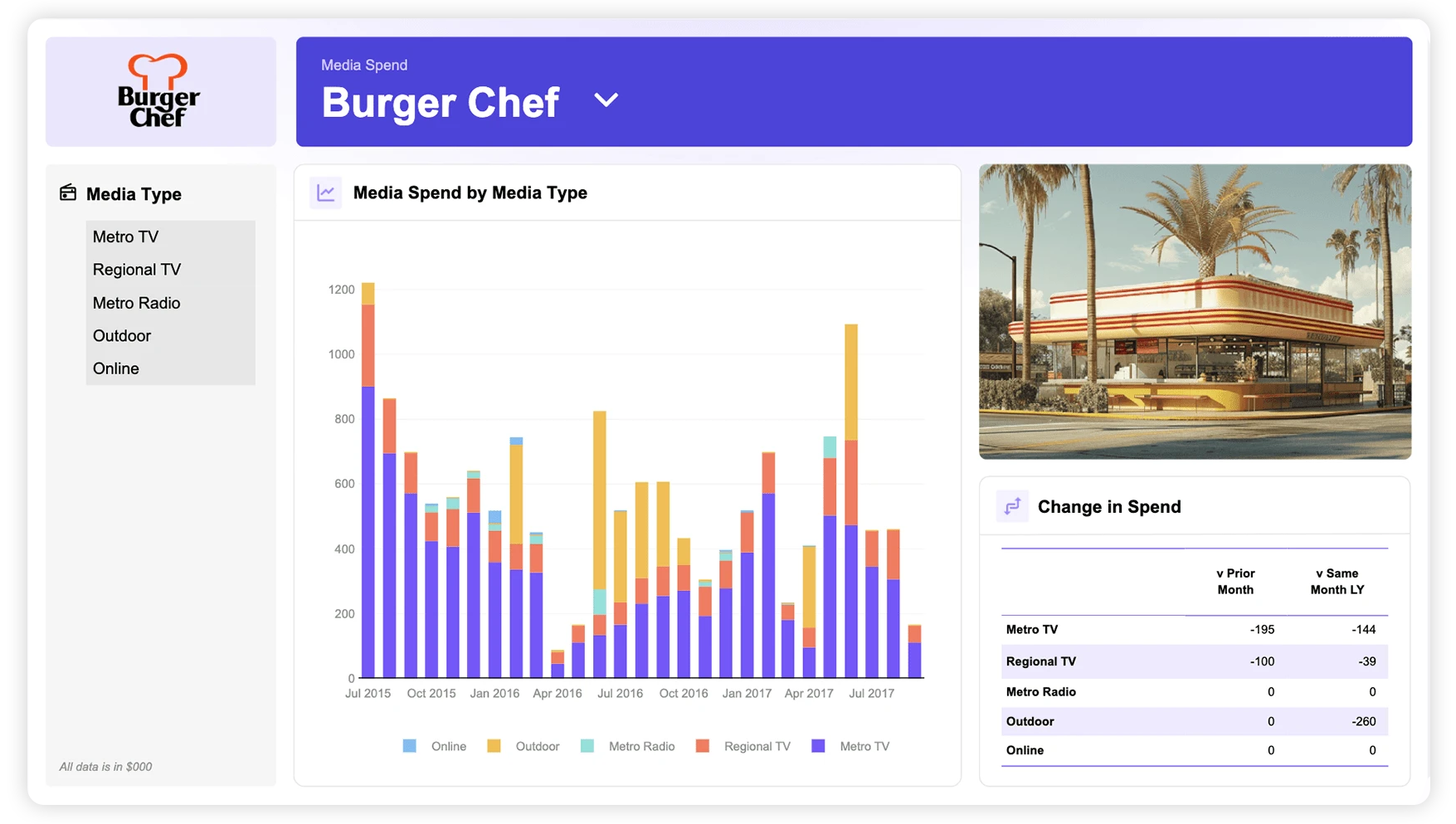
An interactive dashboard lets the reader change what they see: filtering to a segment, switching between waves, or drilling into a result. A static chart pack answers the questions you anticipated; an interactive dashboard lets your stakeholders answer their own. Check out our comprehensive guide to market research dashboards to learn more.

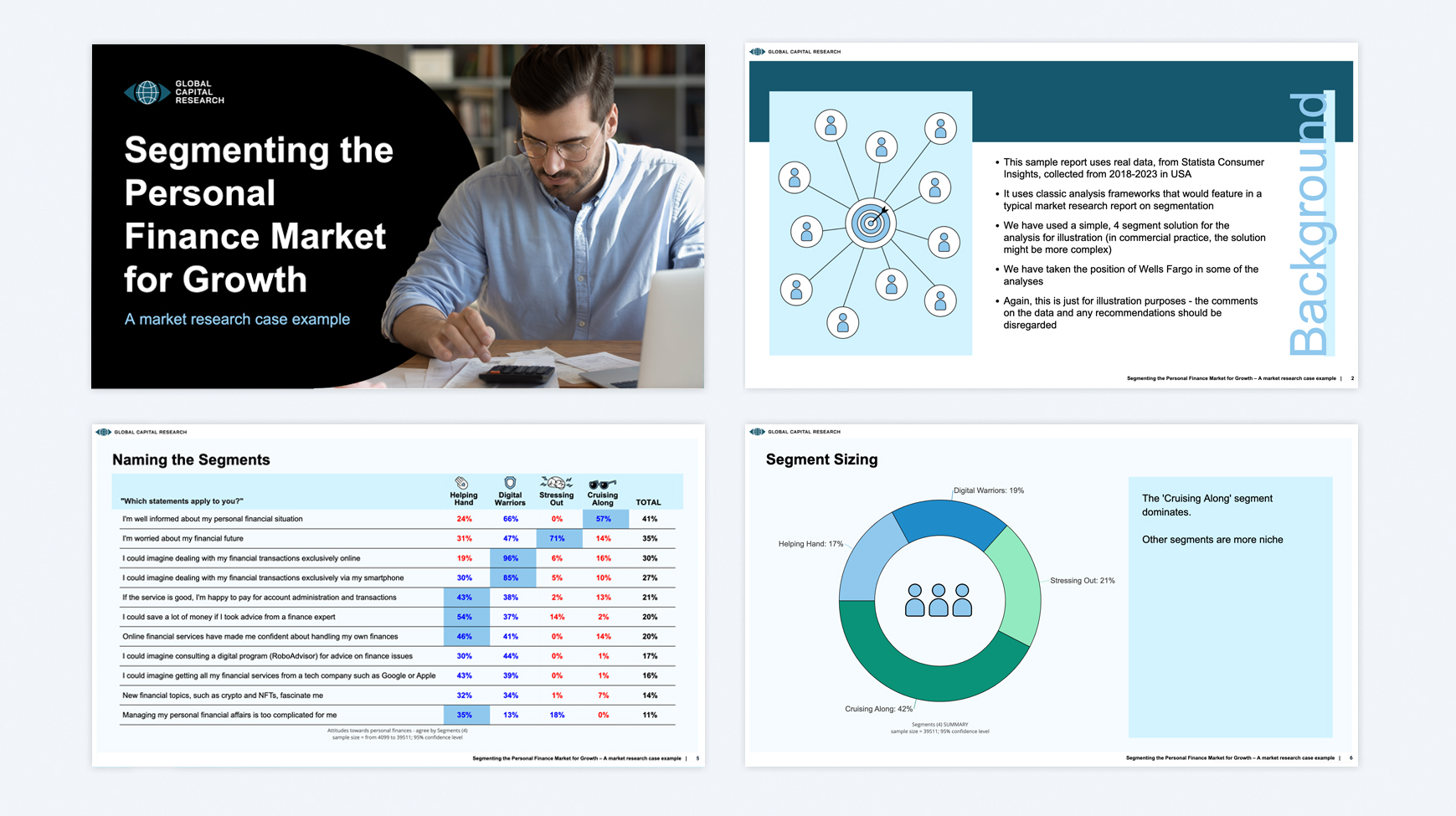
A report walks the reader through findings in the order you choose, which is what you want when the story matters more than the detail. A dashboard hands them the controls and lets them explore.

Most commonly brand trackers, NPS and CSAT programmes, concept tests and segmentation studies – anything delivered repeatedly to an audience who will ask follow-up questions. The examples on this page are grouped by those use cases so you can start from the closest match.

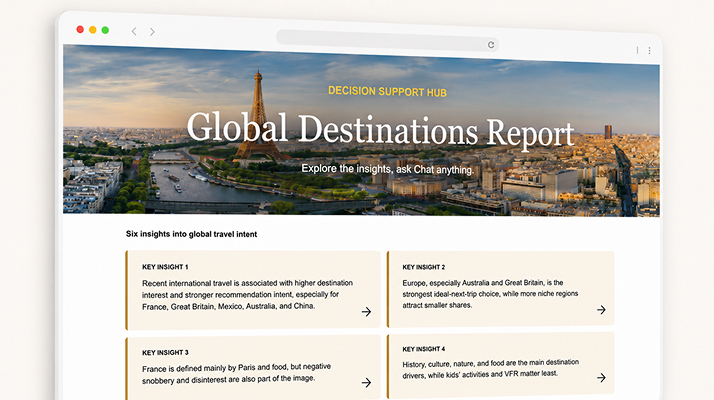
Three things, and it’s worth checking which of them a tool actually does. AI can build the analysis behind the dashboard; it can write the findings and commentary from that analysis rather than from a summary of it; and it can answer questions the dashboard’s filters were never built for. Plenty of tools do the first and call it AI. The examples here marked AI-Assisted do all three – US Diet Trends is the clearest one to open.
Chat with us