






Free Survey Analyzer

Upload a survey file and get your first tables and charts in minutes.

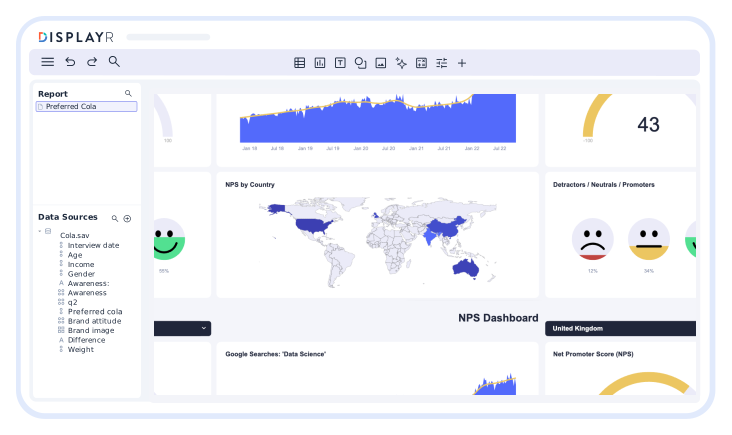
Illustration of Displayr Survey Analyzer
Trusted by 2,900+ research teams worldwide
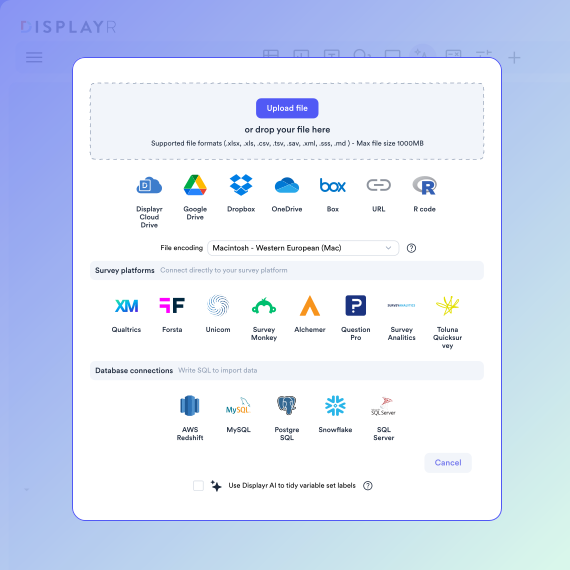
Illustration of Displayr Survey Analyzer - Connect any data

Connect any survey data

Analyze your survey data instantly. Simply connect your data source. SQL, databases, Excel, CSV, text, SPSS, survey platforms, APIs, integrations, and more – we’ve got your integration needs covered. Once your data is in there you can start creating customized reports.

Find insights fast

Once your data is connected, the fun begins. With Displayr you can use advanced statistical testing to highlight key results. Summary tables? Crosstabs? Open-ended responses? Do it all.

Illustration of Displayr Survey Analyzer
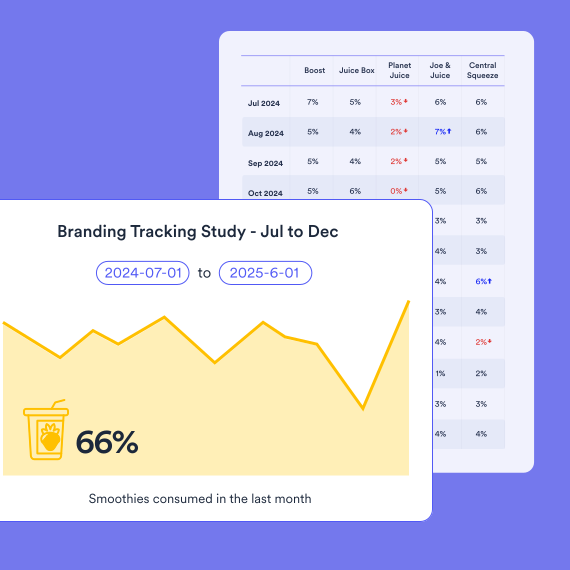
Illustration of Displayr Survey Analyzer - Auto Updating Reports

Create dynamic, auto-updating reports

Survey data changes. And now your reports can change with it. Take advantage of automatic updating and ensure your results are always up-to-date.

Analyze your survey data
in 3 easy steps

Sign-up

Step 1

Upload your file

Create

Step 2

Get your first crosstabs and charts. Tables build themselves - everything is editable with chat.

Results

Step 3

Publish as a dashboard, or export to PowerPoint.
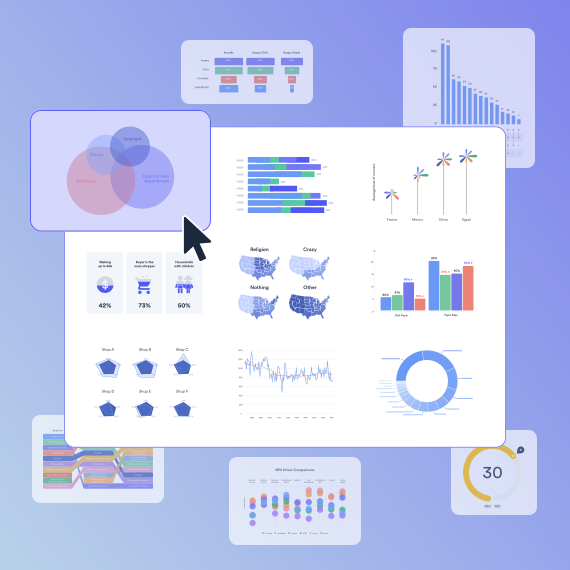
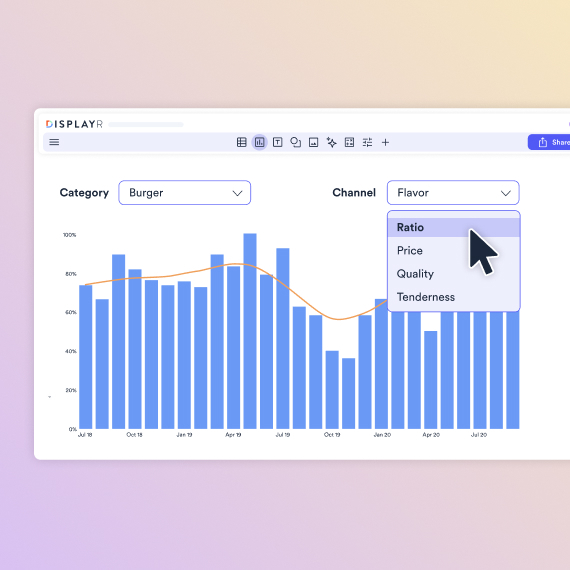
Illustration of Displayr Crosstab Builder

Visualize your data in minutes

Displayr is more than just a survey analysis tool. Once you’ve created your crosstabs and performed your advanced analysis, you can dive into the 100+ different visualization options to help tell your data story.

PowerPoint reports updated, automatically

Exporting your report to PowerPoint is a breeze. Then you can connect your PowerPoint reports to your raw data so that when your results get updated, so do your visualizations. Automatic updating is perfect for time series data. Just build your PowerPoint report once then keep it up-to-date with fresh data. Instant and error-free.

Illustration of Displayr Survey Analyzer - export options

What you can do with the free survey analyzer

TThe free survey analyzer runs in your browser. There is nothing to download or install. Upload an Excel, CSV or SPSS file, or an export from your survey platform, and you get summary tables, crosstabs and charts from your own data in the first session.

The free plan covers data sets up to 1,000 rows and 100 columns, up to 20 reports, basic analysis and visualization, dashboard-style reports, and a limited amount of AI text analysis for open-ended responses. That is enough for a single survey or a small tracker wave.

You will need the paid version when your survey is larger than 1,000 responses, when you want significance tests and weighting applied automatically to every table, when you need regression or segmentation, or when you want reports that rebuild themselves each time new data arrives and export to PowerPoint. Those are in Displayr’s survey analysis software, which starts with a 14-day free trial.

If you only need to collect responses, your survey platform already does that. The analyzer is for what happens after the data comes in.

Need more than the free analyzer? See Displayr’s survey analysis software.

Displayr gets us out of PowerPoint and Excel and into a more advanced system where we all want to be. It almost makes the report building process more fun!
Dan Genord
Dan Genord

Director, Satrix Solutions

See why people love Displayr

Survey Analysis FAQs

Is the survey analyzer really free?
Yes. The free plan needs no credit card and does not expire. It covers data sets up to 1,000 rows and 100 columns, up to 20 reports, basic analysis and visualization, dashboard-style reports, and a limited amount of AI text analysis. Larger data sets and advanced analysis are in the Professional plan, which starts with a 14-day free trial.

Do I need to download anything?
No. The survey analyzer runs in your browser. There is no software to install and nothing to update. Sign up, upload a file, and start.

What file types can I upload?
Excel, CSV, SPSS (.sav) and text files, plus exports from survey platforms. Displayr also connects directly to Qualtrics, SurveyMonkey and Forsta, so labels and question structure come through intact.

Can I export or share the results?
On the free plan you can publish your results as a dashboard-style report and share a link. Export to PowerPoint, Excel and PDF is part of the Professional plan.

When do I need the full version?
When your survey has more than 1,000 responses, when you want significance tests and weighting applied to every table automatically, when you need regression or segmentation, or when you want reports that rebuild themselves each time new data arrives. All of that is in Displayr’s survey analysis software.

Learn more about survey
analyzer

Chat with us