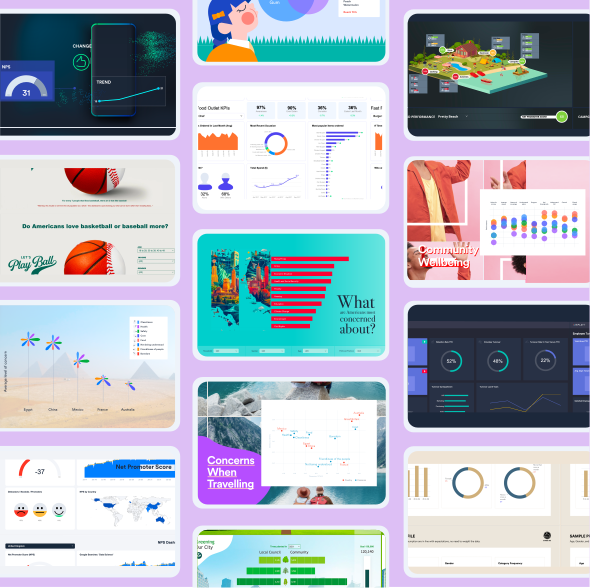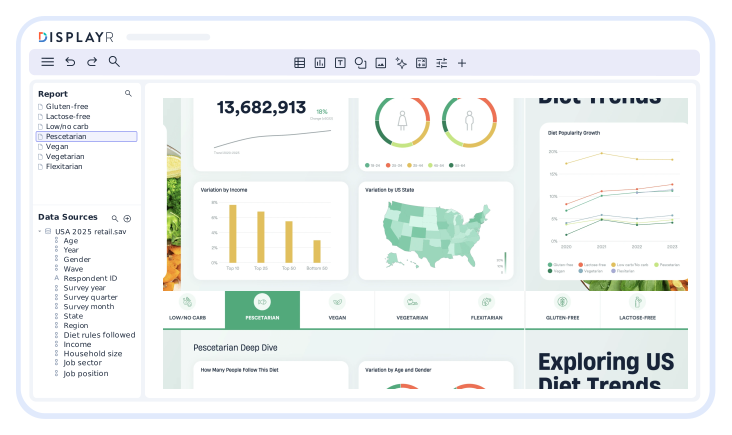






Displayr’s free AI dashboard generator turns a spreadsheet or survey file into an interactive online dashboard in minutes. Built for market research and survey data, it works as a dashboard maker for anything from a one-page KPI summary to a full NPS or brand tracker.
Simply connect your data, follow the prompts, then start customizing your dashboards using AI. There’s no coding or unnecessary complications. You can then start customizing your dashboard to suit your needs.
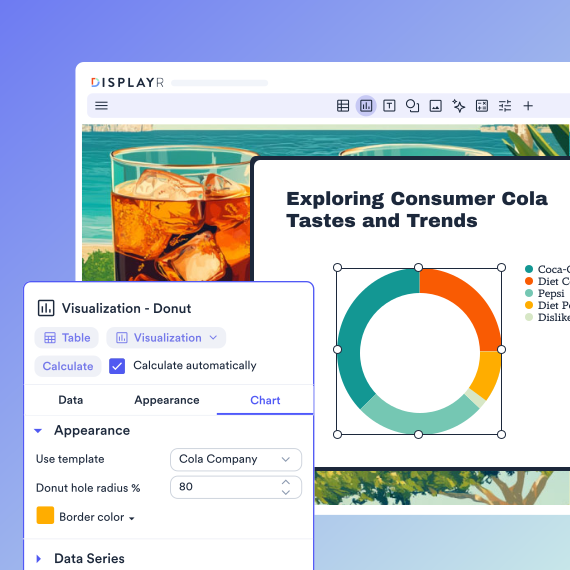
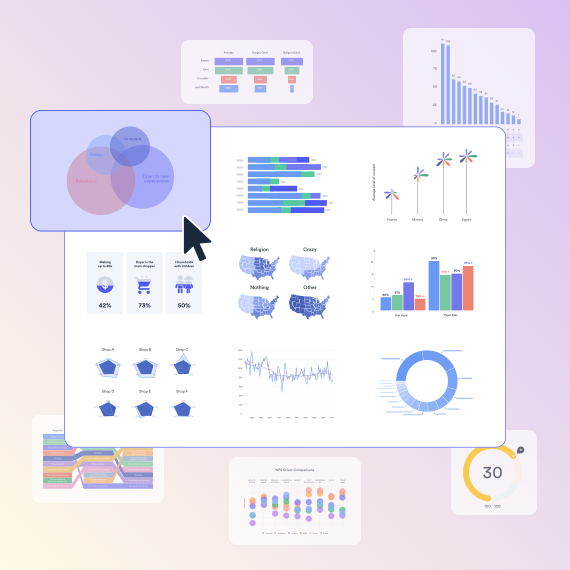
Use ready-made slides, customize your filters or take advantage of over 100 different visualizations to help viewers easily understand your dashboard. With the online dashboard maker, you can add shapes, images, media, fonts, or any other design element you need to ensure your dashboard is customized to best communicate your data.
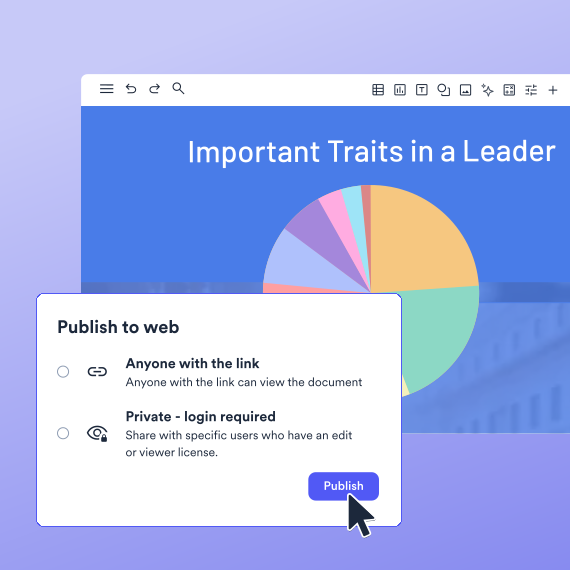
Once you’ve created your dashboard, you can then share it online with just a few clicks. Displayr’s security controls mean you have complete control over who can access your dashboard.
Sign up to Displayr for free. Start a free trial, then upload an Excel, CSV or SPSS file, or connect your data collection tool. Displayr detects your question types and column formats automatically.

Follow the guided setup to connect your data sources, then choose the visualizations to bring your insights to life.

Fine-tune your dashboard with filters, custom styling, and interactive elements. Once ready, publish and share it with just a few clicks.
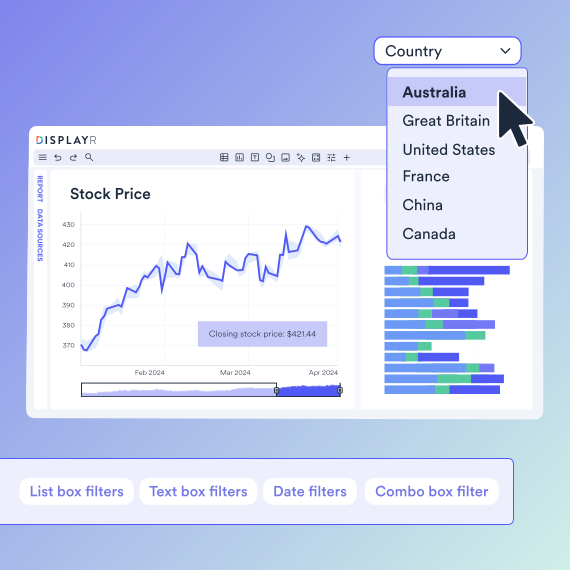
Connect your dashboard to your data so that when your results get updated, so do your visualizations. Automatic updating is perfect for time series data. Just build your dashboard once then keep it up-to-date with fresh data. Instant and error-free.
When it comes to handling survey data, there’s no comparison. Displayr’s AI reporting platform is designed to help you find the answers fast when analyzing surveys. Whether it’s weighting or text analysis, you can do it in Displayr.
Upload an .xlsx or .csv file and the AI dashboard generator reads every column, detects question types and builds a first-draft dashboard with the charts, tables and KPI tiles chosen for your data. There are no formulas, pivot tables or macros to maintain.
Survey files import the same way. Bring in SPSS (.sav), Qualtrics, SurveyMonkey or Google Sheets and Displayr keeps the question labels, value labels and weights, so the dashboard is ready to filter by segment as soon as it opens.
Common Excel-to-dashboard uses in Displayr include brand tracking, product development, Net Promoter Score (NPS) and Customer Satisfaction Score (CSAT), with significance testing built into every chart.
When next month’s data arrives, re-upload the file or reconnect the source and every chart updates. Build the dashboard once and it stays current for the life of the tracker.

Visual Analytics, DataExpert
Can AI generate a dashboard?
Yes, AI can – and is – used to build dashboards. The level of automation will vary depending on the tool you are using and the complexity of the dashboard you are trying to create. Displayr offers a number of different AI use cases that can help you speed up and improve dashboard creation.
How can I create my own dashboard?
Upload an Excel, CSV or survey file, let the AI pick the charts, then add filters and publish. The three steps above take under ten minutes for a typical survey.
Is the AI dashboard generator free?
Can ChatGPT generate a dashboard
ChatGPT can describe a layout or write code for one, but it cannot host a live, interactive dashboard you can share. Displayr's AI dashboard generator builds the dashboard from your file, adds filters and publishes it at a link.
What do you need to build an effective dashboard?
The beauty of building dashboards is that you have the freedom to create something that is unique to your use case. That said, there are a number of best practices to keep in mind when creating your dashboard. These include; setting a goal, understanding the audience, including interactivity, and ensuring the dashboard can be shared safely.
What’s the difference between a dashboard and a report?
The biggest difference between a dashboard and a report is the readability and level of detail. Dashboards should always be easy-to-understand, even from a quick glance. Reports, on the other hand, tend to go into greater detail.
What is the best AI dashboard generator?
It depends on the data. For live operational KPIs from databases, a BI tool such as Power BI or Looker Studio fits. For survey, tracker and market research data, Displayr is built for it, with weighting, significance testing and question-type detection included.