




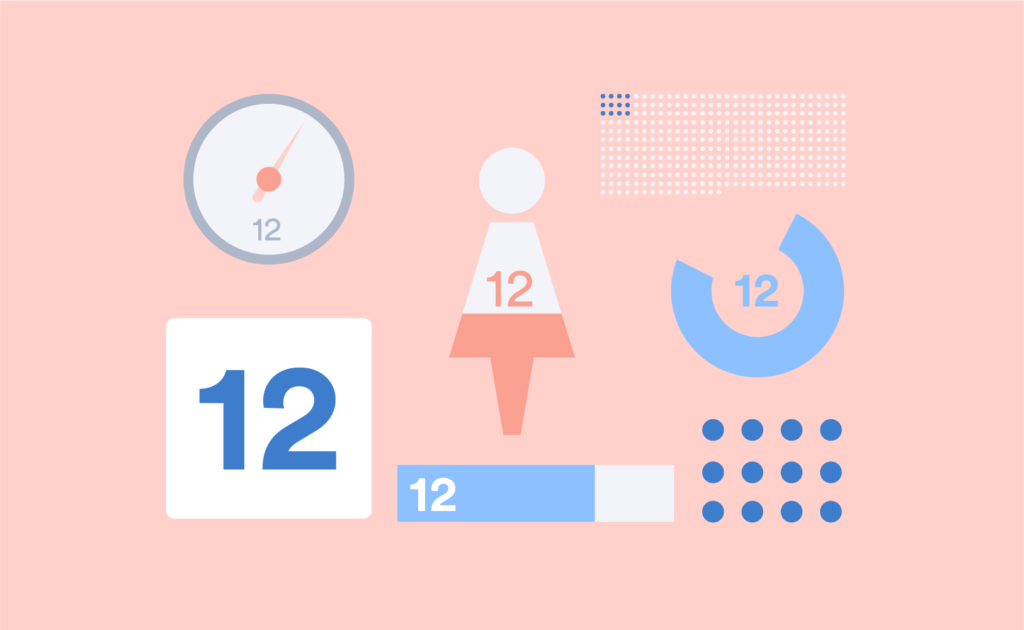
Infographics, dashboards, and reports often need to highlight or visualize a single number. But how do you highlight a single number so that it has an impact and looks good? It can be a big challenge to make a lonely, single number look great. In this post, I show 12 different ways of representing a single number. Most of these visualizations have been created automatically using R.
When to create a visualization to represent a single number
There are a number of situations in which it can be advantageous to create a visualization to represent a single number:
- To communicate with less numerate viewers/readers;
- Infographics and dashboards commonly use one important number;
- To attract the attention of distracted or busy viewers/readers;
- To add some humanity or “color”, to create an emotional connection;
- Or to increase the redundancy of the presentation (see Improve the Quality of Data Visualizations Using Redundancy).
Option 1: Big KPI Number (Bold Text)
Sometimes the plain text is the best option. Make fonts big and simple so they stand out.
669 people died
When to use: Standard text formatting is best used for highlighting a key metric or KPI at the top of dashboards or reports when a number alone carries impact.
Option 2: Color & Typography Formatting
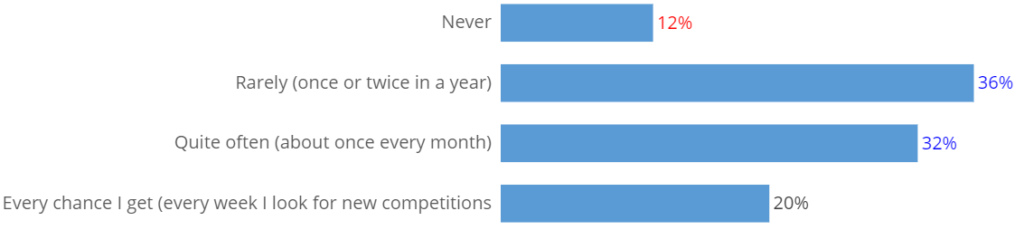
Colors, bolding, emphasis, and other formatting options can be used to draw attention to figures and to communicate additional information. For example, the red font could draw attention to low results. Example: Sales declined by 23%.
You can do this in a sentence or in a visualization, such as in the bar chart below, where color is used to encode statistical testing results.
And you could also use informative formatting via a colored background for numbers, as in the visual confection below. In this instance, traffic-light coloring indicates the relative levels of performance of different departments in a supermarket.
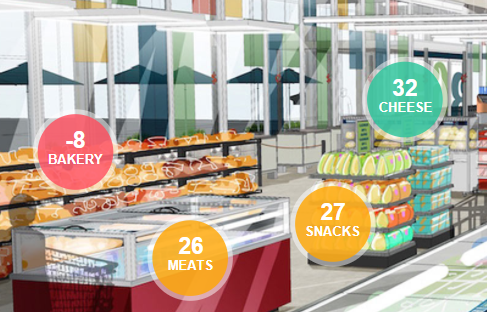
When to use: Use when you want the number’s meaning instantly clear (e.g., green for growth, red for decline) without adding charts.
Option 3: Pie Chart
Proportions are often illustrated using pie charts with varying degrees of success. They can be particularly elegant for displaying single numbers that are proportions.
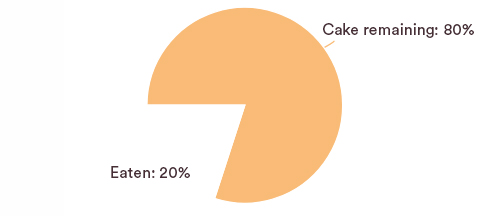
When to use: Works well when the number is a percentage or part of a whole, making proportions easy to interpret at a glance.
Option 4: Donut Chart
Similarly with donut charts. It’s just a matter of taste.
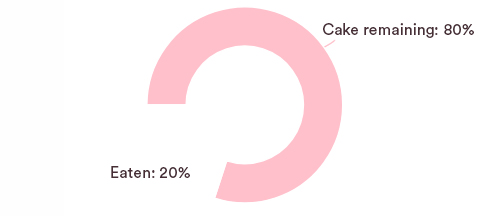
Create your own Pie or Donut Chart
When to use: Useful for showing progress toward a total or completion of a KPI while keeping the center space for the value itself.
Option 5: Fill Part of an Image
The two-category pie chart and donut chart are special cases of a more general strategy, which is to show a portion of an image.
When to use: Use when you want to make the number more relatable by filling part of an icon or silhouette (e.g., 3 of 5 people).
Option 6: Overlay on Image
A twist on showing a portion of an image is to proportionally color an image.
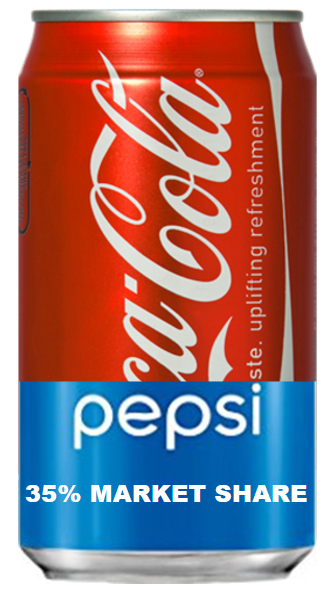
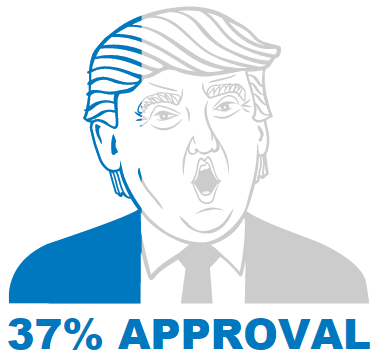

A common, but misleading, criticism of overlaid image visualizations and all the pictograph type of visualizations is that they are imprecise at best, and innumerate at worst. The three visualizations above have all been created to illustrate this point. The one on the left is not too bad. The President Trump approval visualization can readily be criticized in that the actual area shaded in blue is less than 37%. This is due to the greater amount of whitespace over the shoulders. Particularly problematic is the age visualization. This implicitly compares a number, 37, against some unknown and silly benchmark implied by the top of the image.
While such criticisms are technically correct, they are misleading. Consider the “worst” of the visualizations, which shows the average age. The purpose of the visualization is simply to communicate to the viewer that the average age figure is in some way low. How low? This is communicated by the number at the base. If the actual correct number is shown, there is little prospect of the viewer being misled. However, showing a number without the visualization runs the risk that the viewer fails to notice the point at all. This leads to a much higher error.
Furthermore, there are many contexts in which precision is not even important. How often is half a glass of wine actually precisely half a glass?
When to use: Ideal for presentations where the number needs emotional impact, such as overlaying stats on relevant photos or visuals.
Option 7: Countable Icons (Pictograph)
While all pictographs have a bad reputation, in the case of the countable pictograph, it is quite undeserved. Countable pictographs achieve redundancy and thus likely improve the accuracy with which the underlying data is understood by the viewer.
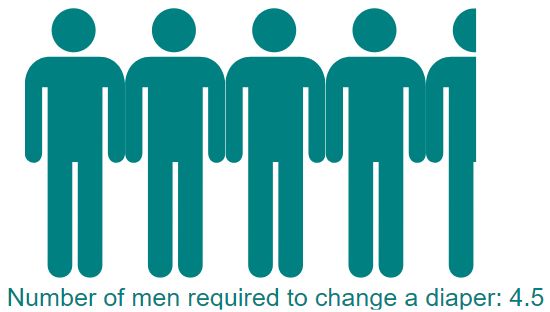
When to use: Effective when each icon represents a unit (e.g., 1 icon = 1 employee) to make quantities tangible and engaging.
Option 8: Uncountable Pictograph
The goal of the uncountable pictograph is to suggest, in a graphical way, “big”. It is often most useful when next to a comparable countable pictograph.
When to use: Best for large numbers where exact counts don’t matter but relative scale (e.g., 10,000 vs. 1,000) needs to be conveyed visually.
Option 9: Gauge or Thermometer
This data is from a study by the Pew Research Center. Go to the original report for a better visualization, which uses a thermometer.
When to use: Use to show performance against a target (e.g., sales vs. goal) or progress toward completion in a dashboard.
Option 10: Physical Objects
This photo, from The Guardian, shows 888,246 ceramic red poppies installed around the Tower of London. Each poppy represents a British or Colonial serviceman killed in World War I. It is the same basic idea as the uncountable pictograph but on a much grander scale.
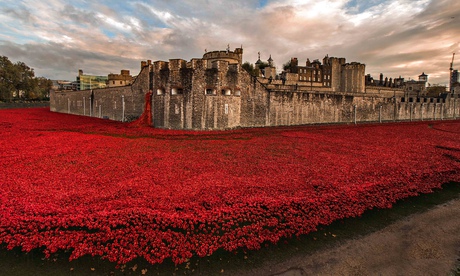
When to use: Works well in communications and presentations when using real-world objects (e.g., piles of coins, bricks) makes abstract numbers more concrete.
Option 11: Creative Typography
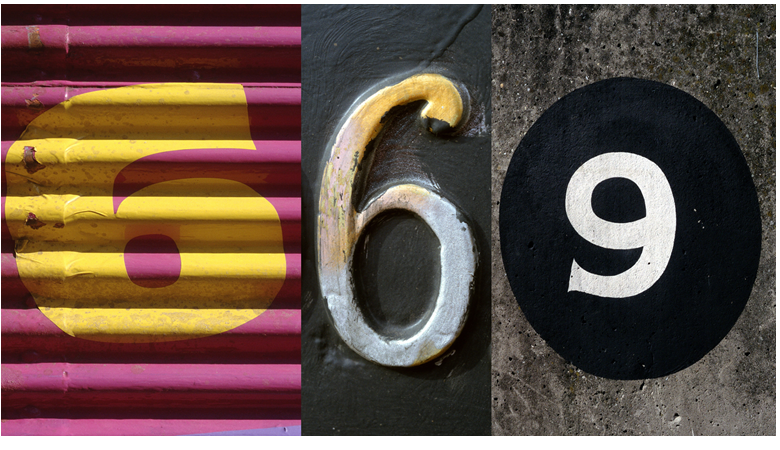
When to use: Great for marketing reports or infographics where visual style helps draw attention and differentiate key figures.
Option 12: Collage or Visual Metaphor
And finally, the most common approach in marketing reporting is to find an image or images that represent or evoke something relevant to the number.
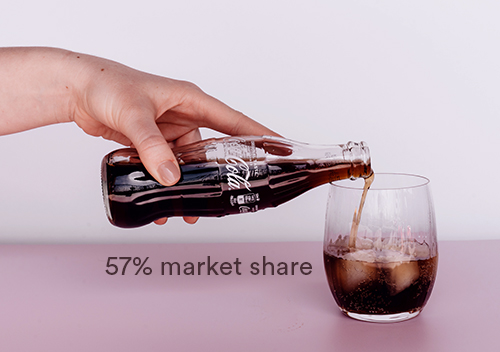
When to use: Best for storytelling and external presentations where the number is represented through images that evoke emotion or meaning.
Software
You can only create the visualizations in option 2 easily in Displayr. The visualizations in options 3 through 8 were all created using the open-source GitHub R packages /rhtmlPictographs and /flipPictographs, which were created by my colleagues Kyle and Carmen.
Create your own visualizations
Everyone can access the Displayr document used to create these visualizations here. To modify the visualizations with your own data, click on each visualization and either change the Inputs or modify the underlying R code (Properties > R CODE).
FAQs About Number Visualization
What is the best way to visualize a single number?
It depends on context: a big bold KPI number works for impact, a gauge chart for progress to target, and pictographs for relatability.
How can I make a KPI stand out in a dashboard?
Use large text, color formatting, or a dedicated indicator card at the top of the dashboard.
When should I use icons or pictographs instead of charts?
Use pictographs when you want to make numbers relatable and visually engaging, especially for audiences outside analytics.
